
6 Month Android Development Internship in Phagwara
6 month Android development internship in Phagwara at Techcadd. Build native apps with Kotlin, Jetpack and Firebase on live projects. Certificate included.
Android runs on the majority of smartphones in India, which makes Android developers some of the most in-demand app professionals. The 6 month Android development internship in Phagwara at Techcadd teaches you to build native Android apps with Kotlin and Android Studio, follow modern development practices and complete live projects that you can install, demo and add to your portfolio.
About the 6 Month Android Development Internship
This internship focuses on native Android development, the approach used by many product companies for fast, feature-rich apps. You learn how Android apps are structured, design screens with modern UI tools, store and sync data, and connect your apps to online services. Every module includes practical tasks, and trainers review your code just like a senior developer on a team.
The six-month duration also suits the industrial training or final-semester internship required by many universities, and you receive guidance on your project report.
Who Can Join?
BCA, MCA, B.Tech and B.Sc IT students
Students with basic Java or programming knowledge
Students who need a 6 month internship or industrial training
Freshers preparing for Android developer jobs
What You Will Learn
Months 1–2: Kotlin and Android Basics
Kotlin programming and object-oriented concepts
Android Studio, emulators and project structure
Activities, fragments, intents and the app life cycle
Months 3–4: UI and Data
Layouts, RecyclerView and Material Design
Jetpack Compose for modern UI
Room database and local storage
Retrofit for REST API integration
Months 5–6: Architecture, Firebase and Live Project
MVVM architecture, ViewModel and LiveData
Firebase authentication, Firestore and notifications
Maps, camera and device features
Testing, release builds and Play Store publishing process
Live project, resume and interview preparation
Apps You Can Build
News or weather app using live APIs
Expense tracker with local database
Attendance or student management app
Chat or booking app with Firebase
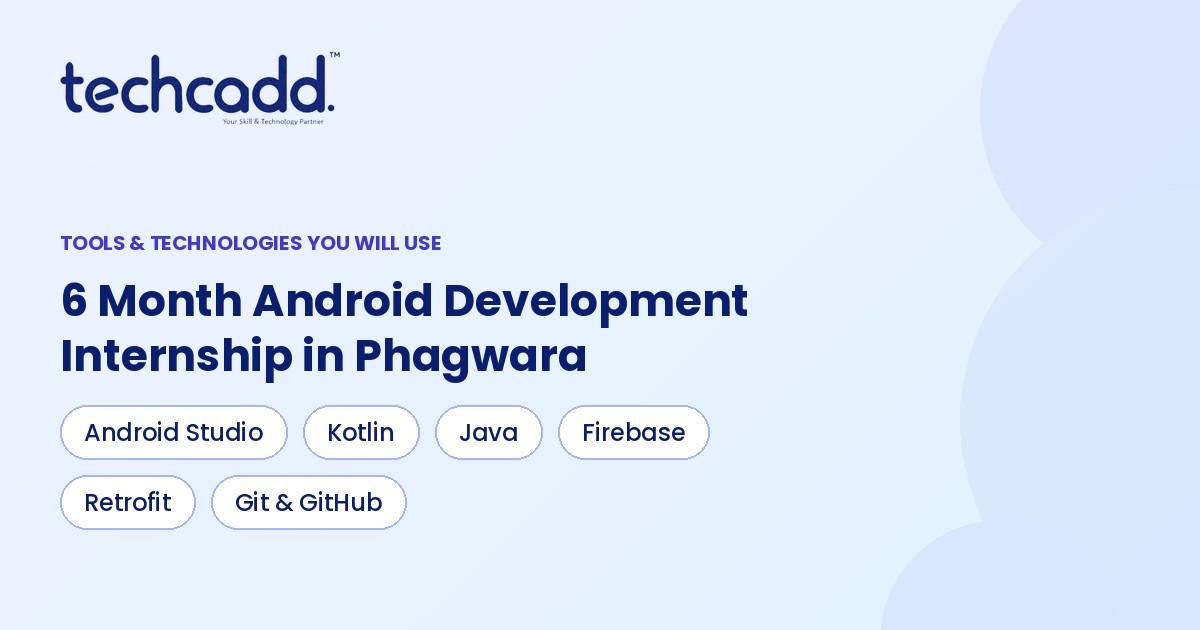
Tools and Technologies Covered
Kotlin and Java basics
Android Studio and Android SDK
Jetpack Compose and Android Jetpack libraries
Room, Retrofit and Firebase
Git and GitHub
Why Choose Techcadd Phagwara?
Trainers with practical Android development experience
Apps tested on real Android devices
Small batches and regular code reviews
Support with university project reports
Internship certificate on successful completion
Career guidance and interview preparation
Career Opportunities After the Internship
After completing the Android development internship you can apply for roles such as:
Android Developer
Kotlin Developer
Mobile App Developer
Junior Software Engineer
Freelance Android Developer
Strong native Android skills also make it easier to learn cross-platform tools such as Flutter later.
Frequently Asked Questions
Should I know Java before joining?
Basic programming knowledge helps, but the internship teaches Kotlin from the start, so you do not need to be an expert in Java.
Will I use Jetpack Compose or XML layouts?
You will learn both. XML layouts are still common in existing apps, while Jetpack Compose is the modern approach for new projects.
Can I publish my app on the Play Store?
You learn how to prepare a signed release build and the full process for publishing on the Google Play Store.
Do I get a certificate?
Yes, you receive an internship certificate from Techcadd Phagwara after completing the programme and projects.
How the Internship Works
Interns build apps in stages, the way Android teams do. You start with screen designs, add features one at a time, connect data sources and then test the app on real phones. At each stage your trainer reviews your code for structure, performance and readability, and shows you how professional developers would solve the same problem.
Stage-wise app development with reviews
Testing on emulators and real Android devices
Git-based version control and teamwork
Demo sessions to present your apps
This hands-on cycle gives you the practical experience employers look for in Android developers.
Enroll Now in Phagwara
Start your career as an Android developer with the 6 month Android development internship in Phagwara at Techcadd. Visit our Phagwara centre or send an enquiry to know batch timings and book your seat.