
ADCA Training in Phagwara
Join ADCA Training in Phagwara to learn MS Office, computer fundamentals, internet applications, and practical digital skills for office careers.
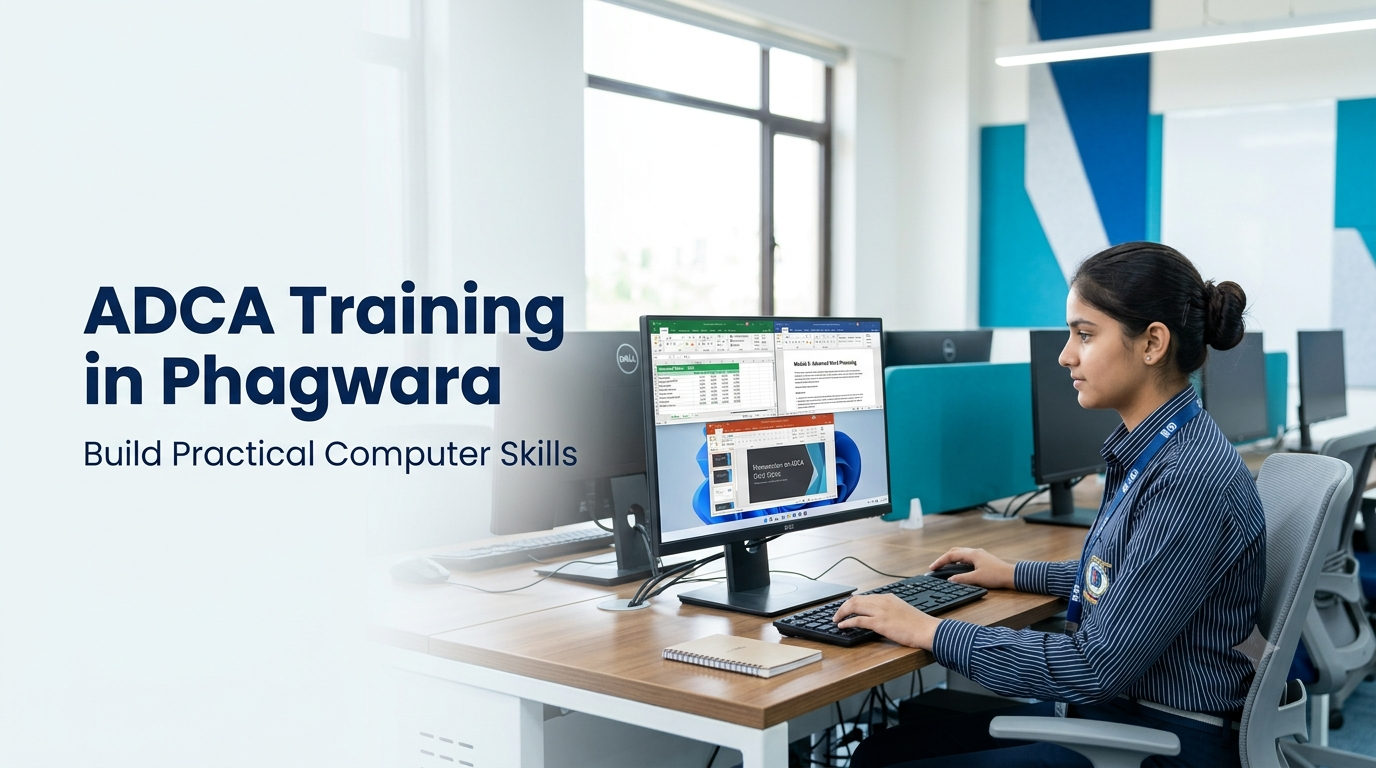
ADCA Training in Phagwara
Build practical computer skills with our ADCA Training in Phagwara programme, designed for students, beginners, graduates, and job seekers who want to improve their computer knowledge and prepare for office-based career opportunities.
The Advanced Diploma in Computer Applications (ADCA) introduces learners to essential computer operations, Microsoft Word, Excel, PowerPoint, internet applications, email communication, data management, and other commonly used digital tools. Depending on the syllabus, students may also learn basic accounting software, database concepts, and additional computer applications.
Our training approach focuses on practical exercises, assignments, and everyday computer tasks to help learners develop confidence in using computers for professional and personal work. Students can practise preparing documents, managing spreadsheets, creating presentations, organising digital files, and handling routine office activities.
Whether you are starting from scratch or looking to upgrade your existing skills, ADCA Training in Phagwara can help you build a strong foundation in computer applications. These skills may support opportunities in data entry, computer operations, office administration, back-office support, and other computer-based roles.
What You Will Learn in ADCA Training
The ADCA programme covers important computer applications and digital skills that are useful in modern workplaces. The exact syllabus may vary depending on the institute and course structure.
1. Computer Fundamentals
Understand the basic concepts of computers, hardware, software, operating systems, storage devices, and file management. Learn how to operate a computer confidently and perform everyday digital tasks.
2. Microsoft Word
Learn to create, format, edit, and print professional documents. Practise preparing letters, applications, reports, resumes, tables, and other office documents using formatting tools and page-layout features.
3. Microsoft Excel
Develop spreadsheet skills for organising information, performing calculations, using formulas and functions, sorting data, creating charts, and preparing basic reports. These skills are valuable for administrative work, record management, and data handling.
4. Microsoft PowerPoint
Learn to design professional presentations using slides, layouts, images, charts, text, and transitions. Practise organising information clearly for meetings, classroom projects, and business presentations.
5. Internet and Email Applications
Understand internet browsing, online information searches, file downloads, uploading documents, email communication, and sharing digital files. Learn good practices for professional email writing and safe internet use.
6. Data Entry and Office Management
Practise entering, editing, organising, and maintaining digital records. Learn basic documentation, record keeping, file organisation, and common computer-based office tasks that support administrative operations.
7. Accounting and Other Computer Applications
Depending on the curriculum, students may receive an introduction to accounting software such as Tally, database management, desktop publishing, or other specialised applications. These additional skills can help learners explore further areas of computer-based work.
Practical Training and Assignments
Practical learning is an important part of developing computer proficiency. Students can reinforce their understanding through exercises that reflect common workplace requirements.
Training activities may include:
Preparing professional documents and business letters.
Creating spreadsheets for expenses, attendance, and record keeping.
Using formulas to perform calculations in Excel.
Designing presentations for educational or business purposes.
Organising folders and maintaining digital files.
Practising email communication and document sharing.
Completing computer-based assignments and mini-projects.
These activities help learners apply classroom concepts to practical situations and develop greater accuracy, confidence, and efficiency.
Who Can Join ADCA Training in Phagwara?
ADCA Training in Phagwara may be suitable for a wide range of learners, including:
School and college students: Develop computer knowledge alongside academic studies.
Fresh graduates: Strengthen practical digital skills before applying for jobs.
Beginners: Start learning computer applications without requiring advanced technical knowledge.
Job seekers: Improve computer proficiency for office and administrative positions.
Working professionals: Upgrade their knowledge of office software and digital documentation.
Aspiring entrepreneurs: Learn to prepare business documents, maintain records, and manage everyday computer-based tasks.
Check the institute's eligibility requirements before enrolling, as admission criteria can vary.
Career Opportunities After ADCA
Computer application skills are useful across many industries, including education, retail, healthcare administration, finance, and general business services. After completing the programme and developing the relevant practical skills, learners may explore entry-level roles such as:
Computer Operator
Data Entry Operator
Office Assistant
Back-Office Executive
Administrative Assistant
Documentation Assistant
Accounts Assistant, if they have suitable accounting knowledge
Actual job opportunities depend on practical ability, employer requirements, experience, and any additional qualifications. ADCA training can provide a foundation, but employment is not guaranteed.
Benefits of ADCA Training
A structured computer applications programme can help learners develop useful skills for everyday professional tasks.
Improved computer proficiency: Become more comfortable using common computer applications.
Practical office skills: Learn to prepare documents, spreadsheets, presentations, and digital records.
Better productivity: Understand tools that can make routine computer-based work more organised and efficient.
Foundation for further learning: Build knowledge that can support additional training in accounting, graphic design, web development, or other IT fields.
Greater workplace confidence: Practise completing common digital tasks independently and accurately.
Why Choose ADCA Training in Phagwara?
Choosing a suitable training programme is an important step in developing your computer skills. Look for an institute that provides a clear syllabus, regular practical sessions, access to computers, guidance from instructors, and opportunities to practise what you learn.
Before enrolling, ask about the course duration, fee structure, eligibility, software covered, practical assignments, assessment process, and certificate details. Understanding these factors can help you select a programme that matches your goals and budget.
Start Your Computer Learning Journey
If you want to improve your computer knowledge and prepare for computer-based work, ADCA Training in Phagwara can be a useful starting point. By learning essential computer operations, office applications, internet tools, and practical digital skills, you can build a foundation for further education and career development.
Take the first step toward becoming more confident with computers and developing skills that you can use in academic, professional, and everyday situations.
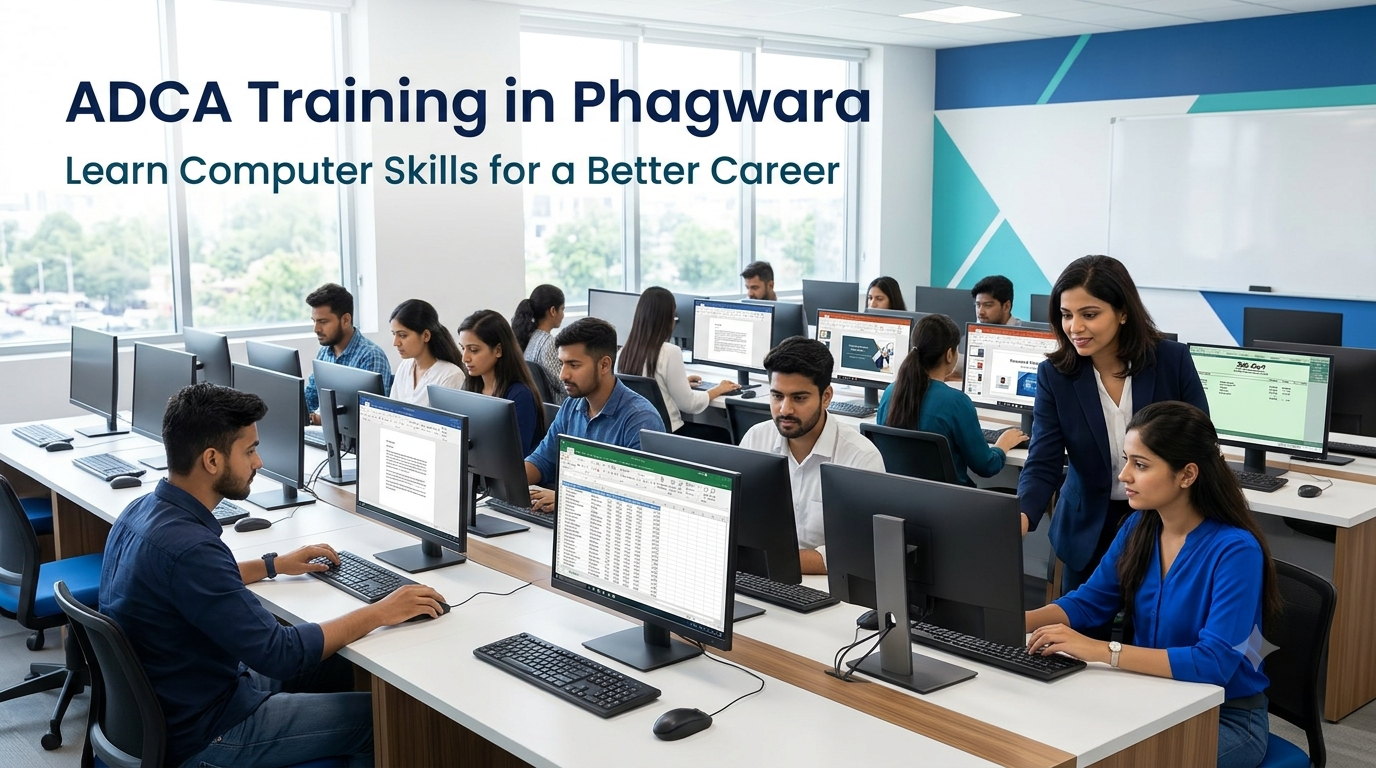
Why Choose ADCA Training in Phagwara?
Looking to improve your computer skills and prepare for office-based job opportunities? Our ADCA Training in Phagwara programme helps students, beginners, graduates, and job seekers develop practical knowledge of computer applications and essential digital tools used in modern workplaces.
The Advanced Diploma in Computer Applications (ADCA) is designed to introduce learners to important computer concepts and commonly used software. It can help you develop the confidence to complete everyday computer tasks, manage digital information, prepare professional documents, and use office applications more efficiently.
Practical Computer Skills for Everyday Work
During ADCA training, learners can develop a foundation in computer fundamentals, operating systems, Microsoft Word, Excel, PowerPoint, internet applications, email communication, and digital file management. Depending on the institute's syllabus, additional subjects may include accounting software, database concepts, desktop publishing, or other computer applications.
Practical exercises help students understand how these tools are used in real situations. You can practise preparing letters and reports, creating spreadsheets, organising records, designing presentations, and managing electronic documents. These activities can improve accuracy, organisation, and confidence when working with computers.
Suitable for Students, Beginners, and Job Seekers
ADCA Training in Phagwara may be a suitable choice for school and college students who want to develop computer knowledge, graduates preparing for employment, and beginners who want to learn digital skills from the basics. It can also benefit working professionals who wish to improve their understanding of office software and computer-based tasks.
You do not necessarily need advanced technical knowledge to get started. However, admission requirements and eligibility should be confirmed with the training institute before enrolment.
Develop Skills for Office-Based Careers
Computer proficiency is useful in many business environments. The skills developed through ADCA training may support applications for entry-level positions such as computer operator, data entry operator, office assistant, back-office executive, documentation assistant, and administrative assistant.
Learners interested in accounting-related work may also explore relevant opportunities after developing the necessary accounting and software skills. Career opportunities depend on individual abilities, practical experience, employer requirements, and additional qualifications.
Learn Through Assignments and Practice
Consistent practice is essential for improving computer skills. A well-structured training programme should provide opportunities to complete exercises, work with common office applications, solve basic computer-related problems, and apply theoretical knowledge to practical tasks.
Look for a course that offers guided practical sessions, a clear syllabus, instructor support, and suitable learning resources. Before enrolling, ask about the course duration, fees, software covered, assessment process, and certificate details.
Build a Foundation for Further Learning
ADCA can also serve as a starting point for learners who want to explore more specialised areas of technology. After gaining confidence in basic computer applications, you may choose to study advanced Excel, accounting software, graphic design, web development, digital marketing, or other IT-related subjects.
Start your computer learning journey with ADCA Training in Phagwara. Develop useful digital skills, strengthen your computer knowledge, and prepare yourself for further education and potential career opportunities in an increasingly digital workplace.