
Advanced MS Word Training
Learn Advanced MS Word in Phagwara at techcadd . Master formatting, mail merge, professional documents, tables, reports and templates with practical training.
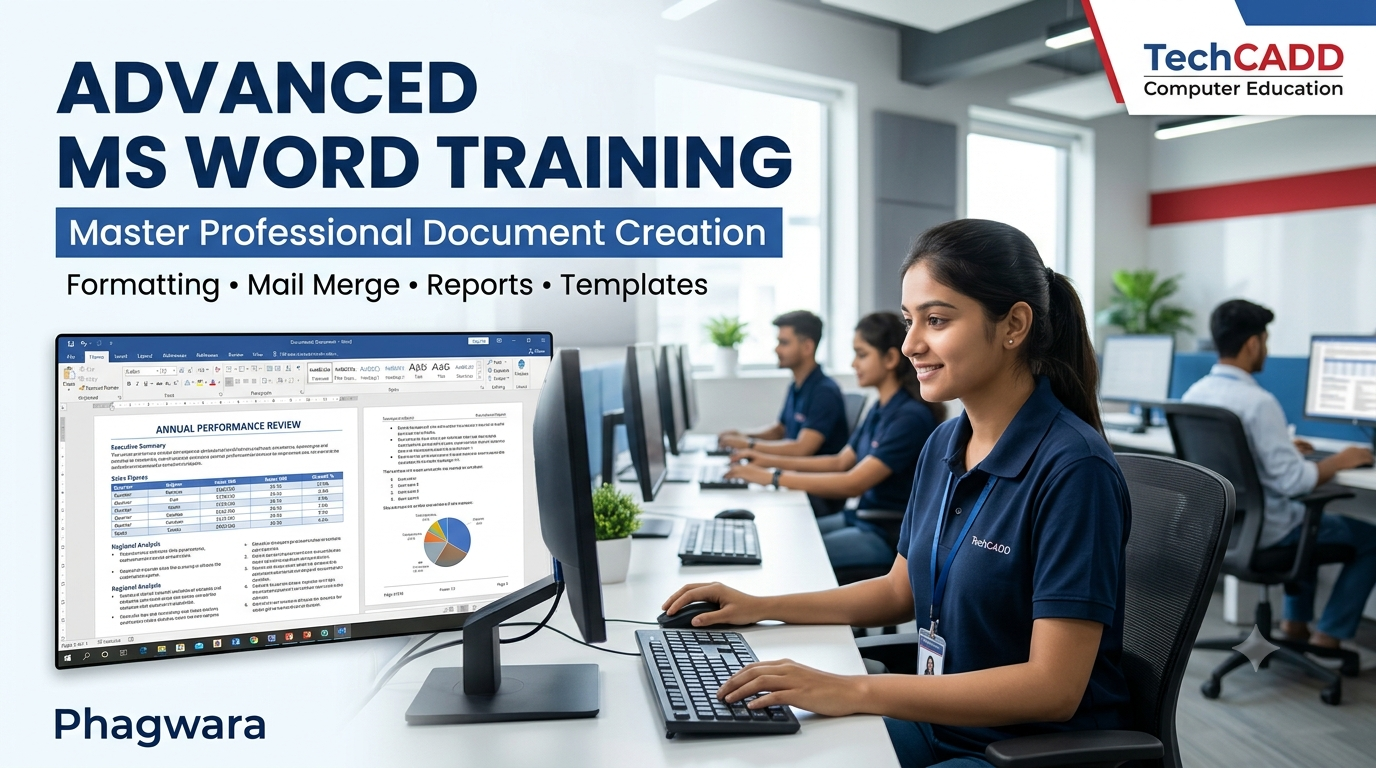
Looking to improve your computer skills and prepare for office-based job opportunities? Join Advanced MS Word Training in Phagwara at techcadd and learn how to create, format, edit and manage professional documents with greater accuracy and efficiency. Microsoft Word is widely used in educational institutions, offices, businesses and organisations for preparing reports, letters, resumes, notices, proposals and official records. Developing advanced Word skills can help you handle these everyday tasks with confidence.
Our practical training focuses on helping students, freshers, job seekers, office assistants, business owners and working professionals improve their document preparation abilities. Whether you already know the basics of Microsoft Word or want to develop more advanced skills, the programme helps you understand useful features through guided exercises and real-world document creation tasks.
What You Will Learn
During the Advanced MS Word Training programme, you will explore a range of tools and features used for professional documentation.
Advanced Text Formatting: Work with fonts, paragraph spacing, alignment, indentation, line spacing, borders, shading and text effects to create clear, attractive documents.
Page Layout and Design: Learn margins, page orientation, paper size, columns, page breaks, section breaks and layout settings for different document types.
Tables and Data Presentation: Create and format tables, adjust rows and columns, merge cells, organise information and present structured data professionally.
Styles and Templates: Use headings, predefined styles, themes and templates to maintain consistent formatting across documents.
Headers, Footers and Page Numbering: Add company details, document titles, dates, page numbers and other information to create organised multi-page documents.
Mail Merge: Prepare personalised letters, invitations, certificates, labels and envelopes using a main document and a recipient list.
References and Long Documents: Explore automatic tables of contents, footnotes, captions, cross-references and other useful features for reports and academic documents.
Images, Shapes and SmartArt: Insert and arrange visual elements to improve the presentation of reports, notices, brochures and business documents.
Proofreading and Review: Use spelling and grammar tools, Find and Replace, comments, Track Changes and comparison features to review and edit documents.
Document Security and Sharing: Understand printing settings, PDF export, document protection and practical file-management techniques.
Practical Projects and Exercises
Practical learning is an important part of developing confidence in Microsoft Word. You can practise preparing documents similar to those used in offices, educational institutions and businesses.
Examples of practice tasks include creating a professional resume, formatting a business letter, preparing a project report, designing an office notice, creating a certificate, formatting a meeting agenda, building a table-based record and preparing personalised letters using mail merge.
These exercises help you understand how individual Word features work together to produce well-organised, readable and professional documents.
Who Can Join This Training?
Advanced MS Word Training is suitable for students, college learners, freshers, job seekers, office assistants, administrative staff, receptionists, data entry operators, entrepreneurs and working professionals who want to improve their documentation skills. It can also benefit learners preparing for computer proficiency tests or seeking to strengthen their office productivity skills.
Basic computer knowledge is helpful. Learners who already understand typing and basic Word functions can use the training to develop more advanced document formatting and management skills.
Career and Workplace Benefits
Microsoft Word is a useful productivity tool for many roles that involve preparing and maintaining documents. Improving your Word skills can support tasks associated with office administration, data entry, back-office operations, reception, customer support, educational administration and general documentation.
The training helps you improve document accuracy, presentation, organisation and efficiency. Although MS Word training alone does not guarantee employment, these skills can complement your other computer, communication and administrative abilities when applying for relevant positions.
Why Choose techcadd in Phagwara?
At techcadd, the focus is on practical computer learning that connects software knowledge with everyday workplace tasks. Through guided practice, structured exercises and document-based activities, learners can become more familiar with Microsoft Word's tools and develop a more systematic approach to preparing professional documents.
The programme is designed to help you move beyond basic typing and understand how to use advanced formatting, layouts, tables, templates and productivity features effectively.
Start Improving Your MS Word Skills
Whether you want to prepare better academic assignments, create professional business documents or improve your readiness for office-based responsibilities, Advanced MS Word Training in Phagwara can be a valuable step towards stronger computer proficiency.
Contact techcadd to enquire about course duration, batch timings, fees and admission details. Begin developing practical Microsoft Word skills that you can apply to your studies, work and everyday documentation needs.
Advanced MS Word Training in Phagwara
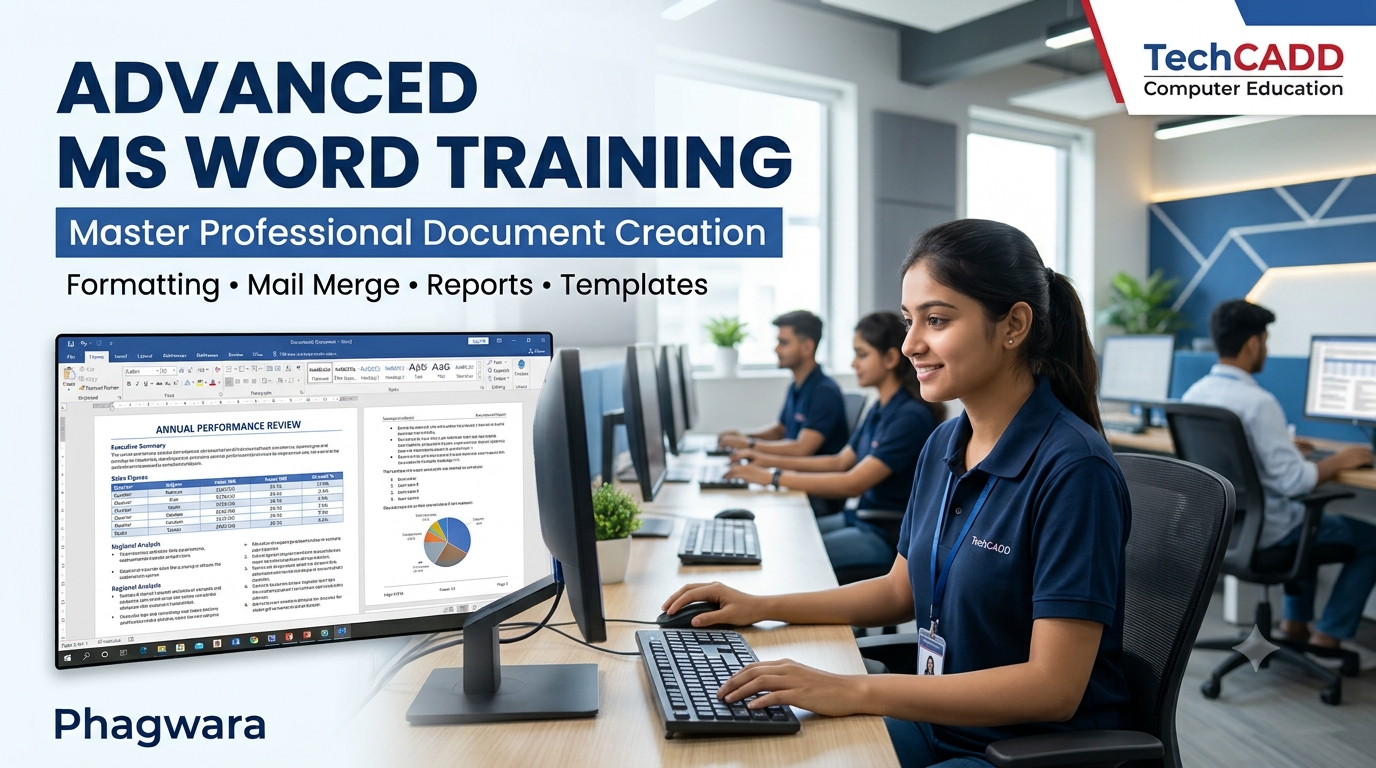
Advanced MS Word Training in Phagwara – Course Overview
Upgrade your computer skills with Advanced MS Word Training in Phagwara at techcadd . This programme is designed for students, freshers, job seekers and working professionals who want to create professional documents and improve their office productivity.
Microsoft Word is an essential tool for preparing business letters, resumes, reports, project documents, notices, certificates and official records. Through practical exercises, you will learn to use its features effectively and create well-formatted documents for academic and professional purposes.
Topics Covered in the Training
Advanced Formatting: Fonts, paragraphs, alignment, spacing, borders and shading.
Page Layout: Margins, orientation, columns, page breaks and section breaks.
Tables and Lists: Create structured tables, organise information and format data.
Styles and Templates: Maintain consistent formatting and design professional documents.
Headers and Footers: Add page numbers, dates, document titles and other details.
Mail Merge: Prepare personalised letters, labels, envelopes and certificates.
Professional Reports: Create structured reports, resumes, business letters and project documents.
References: Learn automatic tables of contents, footnotes and document navigation.
Proofreading Tools: Use spelling checks, Find and Replace, comments and Track Changes.
Printing and PDF Export: Prepare documents for printing, sharing and digital distribution.
Practical Learning Approach
The training focuses on hands-on practice so you can apply the features you learn to realistic documentation tasks. You will practise formatting documents, inserting tables and images, preparing reports and managing multi-page files. These activities help improve your accuracy, presentation and confidence when working with Microsoft Word.
Who Can Join?
This course is suitable for students, graduates, job seekers, office assistants, data entry operators, receptionists, administrative staff and business owners. Basic computer knowledge is helpful, while learners with previous Word experience can use the training to develop more advanced skills.
Career Benefits
Advanced MS Word skills can support office administration, back-office operations, documentation, data entry and other computer-based responsibilities. The training can complement your broader computer and communication skills when preparing for employment.
Enrol at techcadd
Join techcadd in Phagwara to strengthen your document creation skills through practical computer training. Contact us to enquire about course duration, fees, batch timings and admission details.