
Excel for Accounting in Phagwara
Learn Excel for Accounting in Phagwara. Master bookkeeping, formulas, invoicing, bank reconciliation, financial reporting, and practical Excel skills.
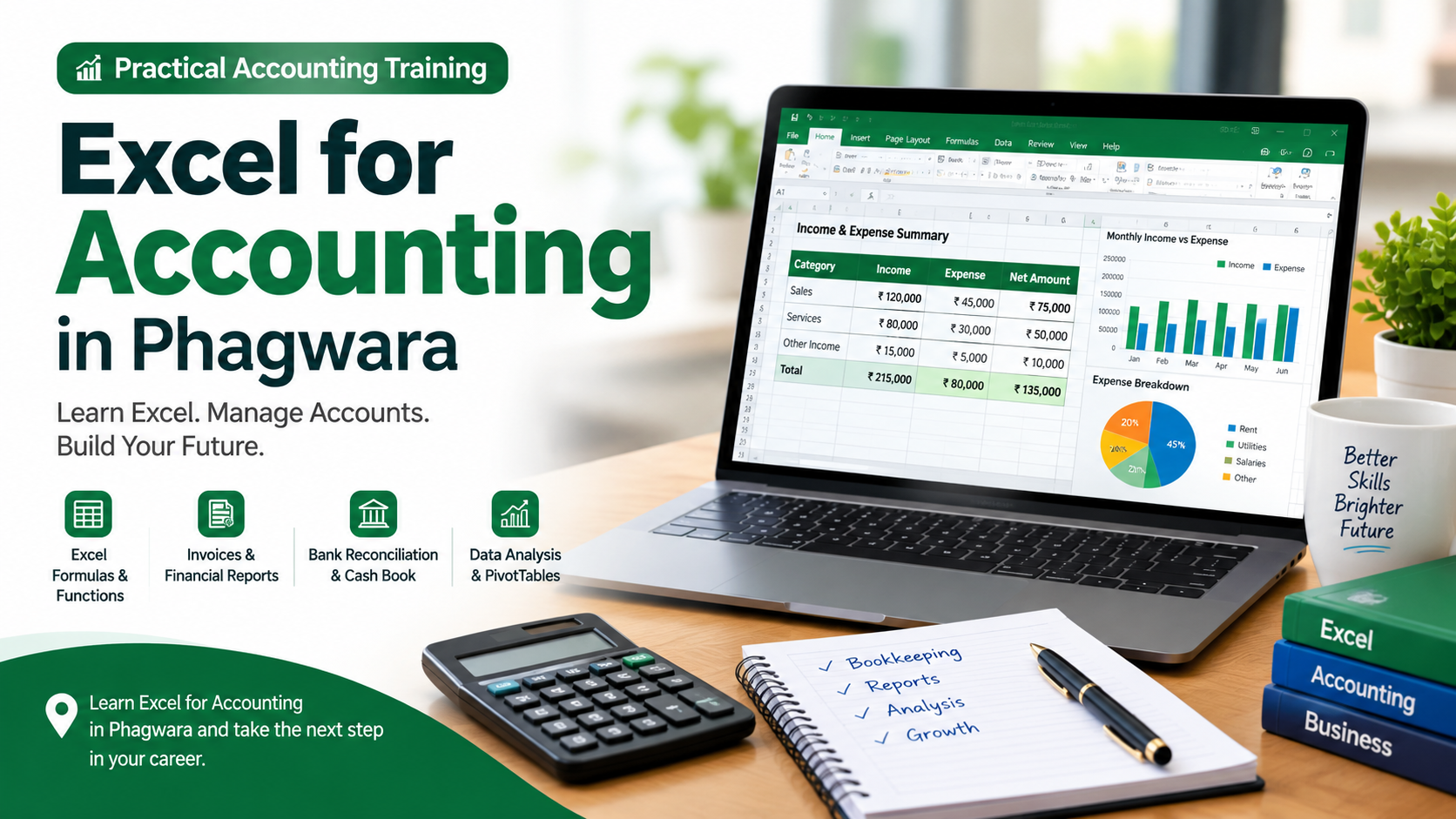
Build practical accounting and financial management skills with Excel for Accounting in Phagwara, a career-focused training programme designed to help learners use Microsoft Excel confidently for accounting, bookkeeping, reporting, and business data management. The programme is suitable for students, beginners, commerce learners, accountants, accounts assistants, job seekers, business owners, and working professionals who want to strengthen their Excel and accounting skills.
During the training, learners develop practical knowledge of using Excel for everyday accounting activities. They learn how to organise financial records, maintain income and expense details, prepare invoices and bills, manage cash and bank records, track transactions, calculate totals, prepare summaries, and create professional accounting reports. The training focuses on practical examples so learners can understand how Excel is used in real office and business environments.
The programme covers important Excel functions and features used for accounting and financial data management. Learners can practise formulas and functions, cell formatting, tables, sorting and filtering, conditional formatting, data validation, lookup functions, and logical calculations. They can also learn how to use PivotTables, charts, summaries, and dashboards to analyse financial information and present data in a clear and professional format.
Special attention is given to accounting-related worksheets and reporting tasks. Learners can practise preparing cash books, expense sheets, sales and purchase records, debtor and creditor lists, salary-related calculations, invoice formats, bank reconciliation statements, and monthly financial summaries. These practical activities help learners improve accuracy, organisation, and efficiency when handling large amounts of accounting data.
The training also helps learners understand how Excel can support bookkeeping and business decision-making. By working with structured financial data, they can identify totals, compare expenses, monitor transactions, analyse sales information, and prepare reports that are easier for business owners and managers to understand. Learners can also develop better spreadsheet organisation and documentation habits for professional office work.
Excel for Accounting in Phagwara is particularly useful for students and job seekers preparing for roles such as accounts assistant, junior accountant, billing executive, back-office executive, data entry operator, office assistant, and finance support staff. It can also benefit professionals who already work with accounting software and want to improve their spreadsheet-based reporting and analysis skills.
Through hands-on exercises, accounting scenarios, and practice worksheets, learners can build confidence in performing common accounting tasks using Excel. The focus is on developing useful, job-oriented skills rather than learning Excel only from a theoretical perspective.
Whether you are beginning your accounting journey, preparing for an office job, managing accounts for a small business, or upgrading your existing computer skills, this training provides a practical foundation for using Excel in accounting, finance, administration, bookkeeping, and business operations.
Practical Excel Accounting Training
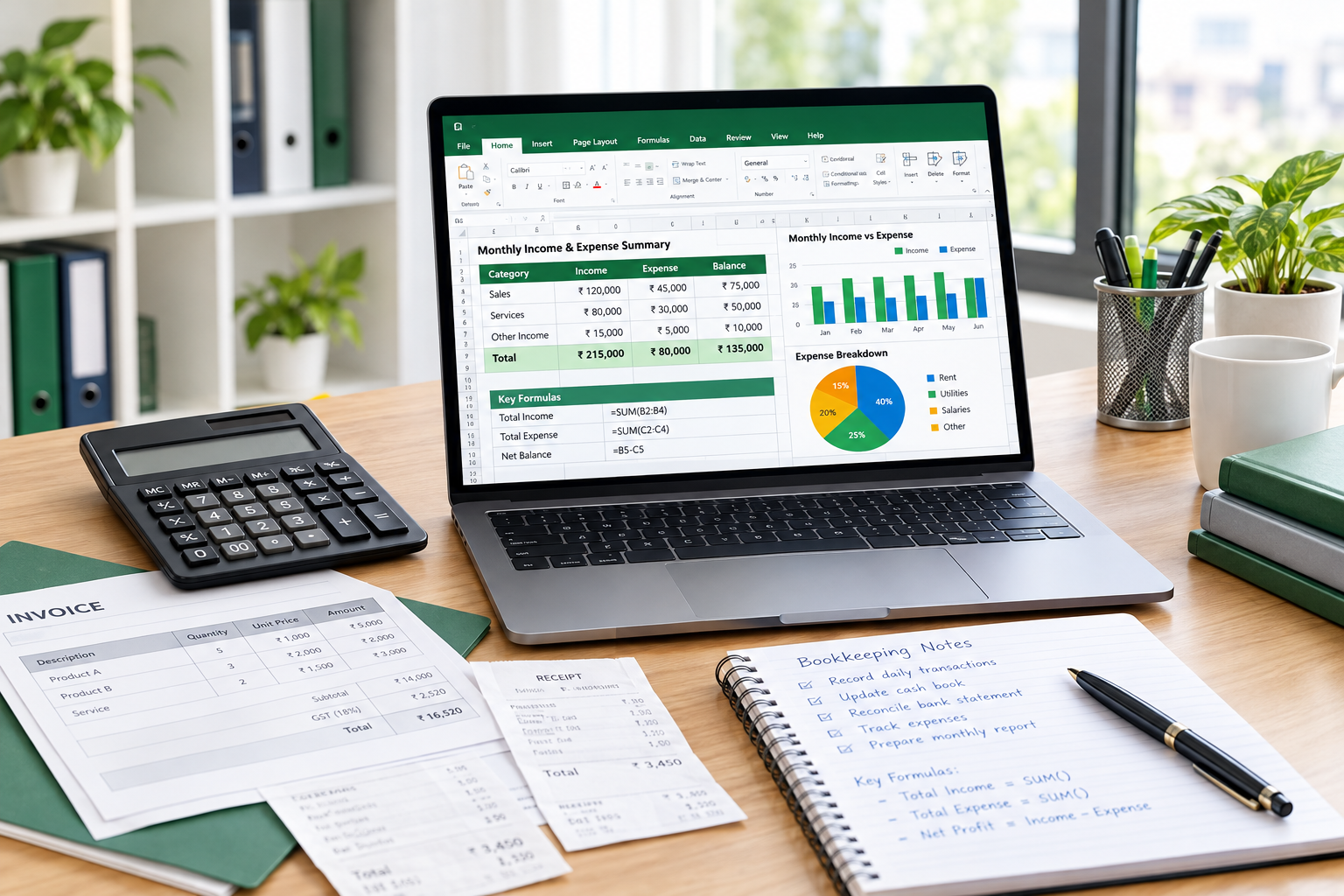
What You Will Learn in Excel for Accounting
Develop Practical Accounting Skills with Microsoft Excel
Microsoft Excel is an essential tool for managing financial information, maintaining accounting records, and preparing business reports. Our Excel for Accounting Training in Phagwara helps learners understand how to use Excel for everyday accounting and financial management activities.
Key Topics Covered
Excel Fundamentals: Learn worksheets, workbooks, cells, rows, columns, formatting, and spreadsheet management.
Accounting Formulas: Practise SUM, AVERAGE, IF, COUNTIF, SUMIF, and other useful accounting functions.
Income and Expense Management: Maintain daily financial transactions and prepare income and expense statements.
Invoice and Billing: Create professional invoices, bills, and payment records.
Cash Book Management: Prepare cash books and maintain daily cash transactions.
Bank Reconciliation: Understand how to compare bank statements with business records.
Financial Reporting: Prepare monthly summaries, sales reports, purchase reports, and expense statements.
Data Analysis: Use sorting, filtering, lookup functions, and conditional formatting to manage accounting information.
PivotTables and Charts: Analyse financial data and create clear reports and visual summaries.
Practical Training Approach
The programme focuses on practical learning through accounting worksheets, exercises, and business-related examples. Students get opportunities to practise maintaining financial records, calculating totals, organising transactions, preparing reports, and analysing accounting data using Excel.
Who Should Join?
This training is suitable for commerce students, beginners, job seekers, accountants, accounts assistants, business owners, and working professionals who want to improve their Excel knowledge.
After completing the training, learners can apply their skills to accounting support, billing, bookkeeping, back-office operations, data entry, and office administration tasks.
Start learning Excel for Accounting in Phagwara and develop valuable computer and financial reporting skills for your career.