
Excel Formulas Training in Phagwara
Learn Excel Formulas Training in Phagwara at Techcadd to master formulas, functions, lookups, and practical spreadsheet calculations.
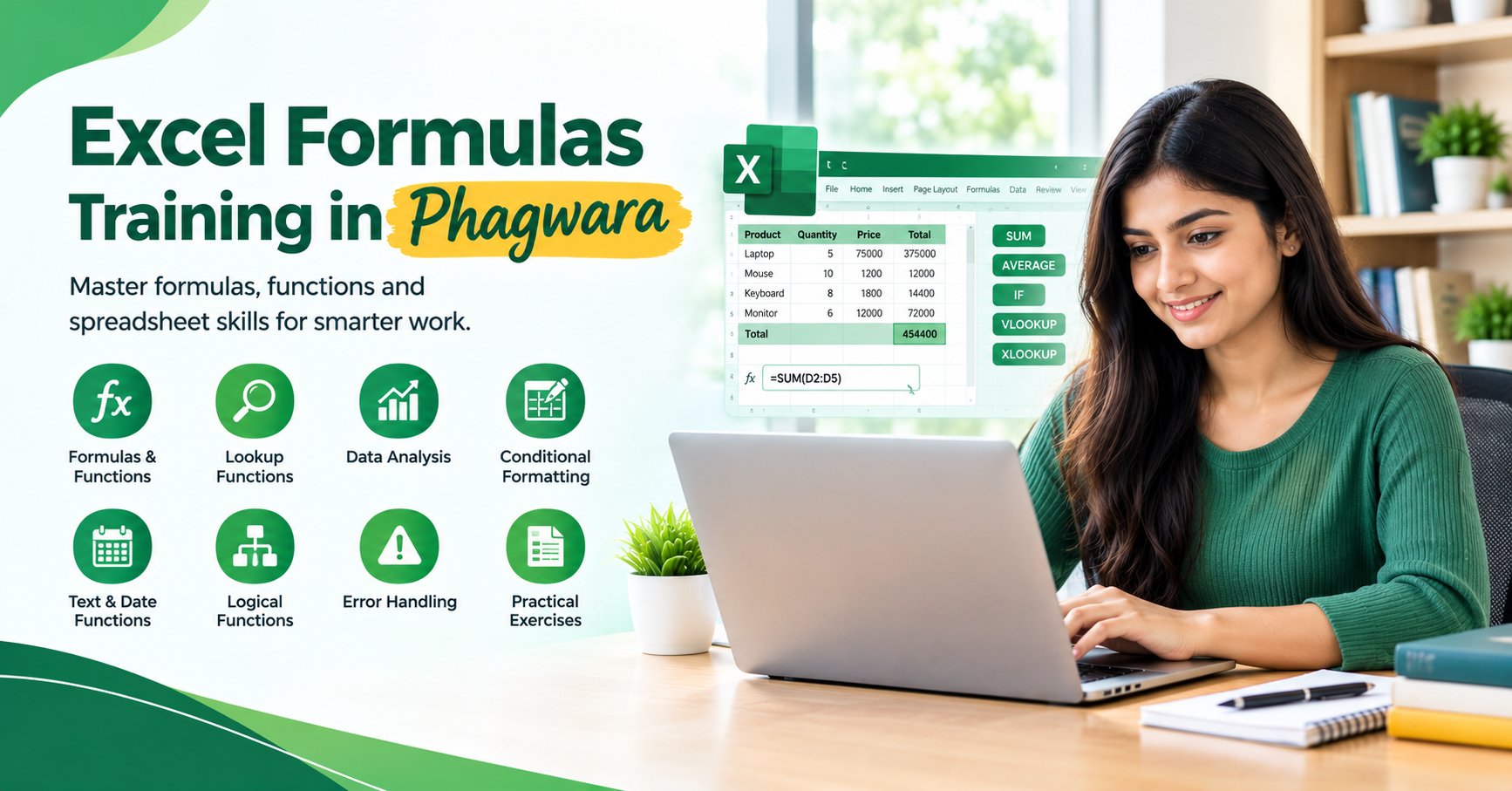
Excel Formulas Training in Phagwara at Techcadd helps learners understand how to use formulas and functions in Microsoft Excel to organise data, perform calculations, and analyse information efficiently. The training focuses on practical spreadsheet skills that can support academic tasks, office administration, reporting, and everyday data management.
Whether you are a beginner or already familiar with basic spreadsheets, learning Excel formulas can help you work more accurately, reduce repetitive calculations, and handle data with greater confidence.
What You Will Learn
The Excel Formulas Training in Phagwara covers essential formula concepts and commonly used functions.
Key learning topics include:
Basic Formulas: Understand cell references, mathematical operators, and formula syntax for everyday calculations.
SUM, AVERAGE, MIN and MAX: Calculate totals, averages, minimum values, and maximum values from datasets.
IF Function: Apply logical conditions to evaluate data and return results based on specific criteria.
COUNT and COUNTA: Count numerical entries and non-empty cells in spreadsheets.
Text Functions: Explore functions such as LEFT, RIGHT, MID, LEN, and CONCAT for working with text.
Date and Time Functions: Perform basic date calculations and organise date-related information.
Lookup Functions: Understand VLOOKUP, XLOOKUP where supported, and related methods for retrieving information from tables.
Conditional Formatting: Highlight important values and patterns based on selected rules.
Error Handling: Identify common formula errors and learn basic troubleshooting techniques.
Practical Excel Formula Training
At Techcadd, learners can practise applying formulas to sample datasets and everyday spreadsheet scenarios. Exercises may include calculating totals, preparing expense sheets, analysing sales figures, managing attendance records, and creating simple reports.
Practical activities help learners understand cell references, combine functions where appropriate, check calculation results, and improve spreadsheet accuracy.
Who Can Join This Course?
Excel Formulas Training in Phagwara is suitable for:
Students who want to improve spreadsheet skills.
Beginners learning Microsoft Excel.
Office assistants and administrative staff.
Accountants and data entry professionals.
Job seekers preparing for computer-based office tasks.
Working professionals who regularly manage spreadsheet data.
Basic familiarity with computers and spreadsheets is helpful, but learners can build their knowledge progressively.
Skills and Career Opportunities
Excel formula skills are useful in data entry, office administration, accounting support, inventory management, sales reporting, and general data handling. Learners can develop calculation, data organisation, formula troubleshooting, and basic spreadsheet analysis skills.
Career opportunities depend on practical proficiency, experience, and the requirements of individual employers.
Enrol for Excel Formulas Training in Phagwara
Improve your spreadsheet skills with Techcadd. Contact Techcadd in Phagwara to learn more about the Excel formulas curriculum, practical exercises, available training options, and enrolment details.
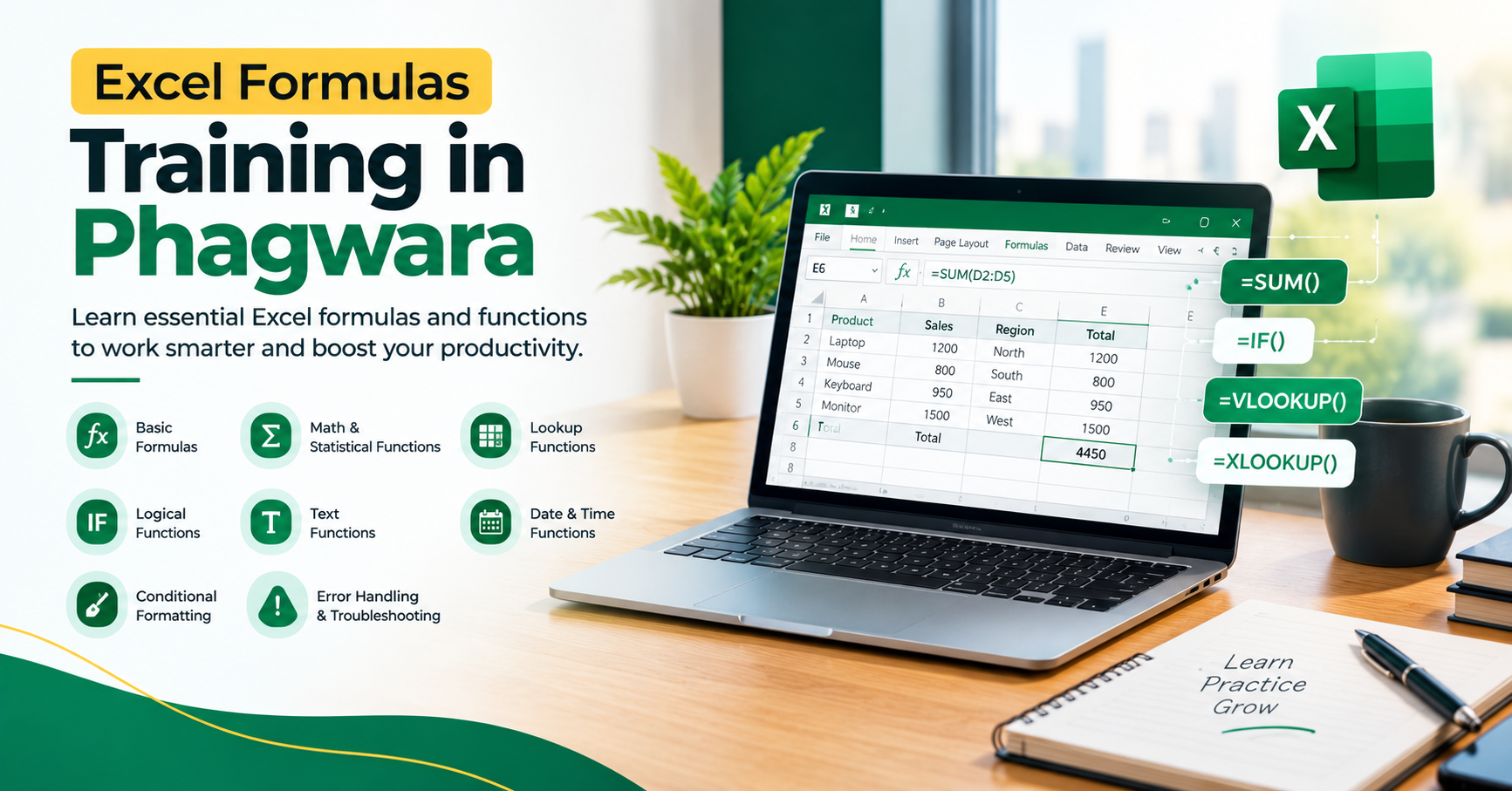
Course Overview
Excel Formulas Training in Phagwara at Techcadd helps learners understand how to automate calculations, organise spreadsheet data, and create accurate reports using Microsoft Excel formulas and functions.
Course Curriculum
Learn essential Excel formula techniques, including:
Formula syntax, operators, and cell references
Relative, absolute, and mixed cell references
SUM, AVERAGE, MIN, and MAX functions
IF, AND, OR, and nested logical formulas
COUNT, COUNTA, and COUNTIF functions
SUMIF and SUMIFS for conditional calculations
LEFT, RIGHT, MID, LEN, and CONCAT text functions
Date and time calculations
VLOOKUP and XLOOKUP where supported
Formula errors and troubleshooting
Practical Training
Practise applying formulas to realistic spreadsheet examples. Exercises may include calculating sales totals, preparing expense sheets, tracking attendance, managing inventory records, and summarising business data.
Tools and Technologies
Learn formula creation, cell referencing, worksheet organisation, conditional formatting, and basic data analysis using Microsoft Excel. The functions available may vary depending on the Excel version.
Skills You Can Develop
Develop practical skills in spreadsheet calculations, formula selection, data accuracy, logical analysis, error checking, and report preparation. These skills can help you complete repetitive spreadsheet tasks more efficiently.
Who Can Join This Course?
This training is suitable for students, beginners, office assistants, accounting learners, data entry operators, and professionals who regularly work with spreadsheet data.
Career Opportunities
Excel formula knowledge can support roles involving office administration, accounting assistance, data entry, inventory tracking, and sales reporting. Further career development depends on practical experience and additional job-specific skills.
Enrolment Information
Contact Techcadd in Phagwara to enquire about the Excel Formulas Training curriculum, practical exercises, available training options, and enrolment details.