
MS PowerPoint Training Institutes in Phagwara
Learn MS PowerPoint in Phagwara, Punjab. Explore practical training in slide design, animations, charts, SmartArt and professional presentations.
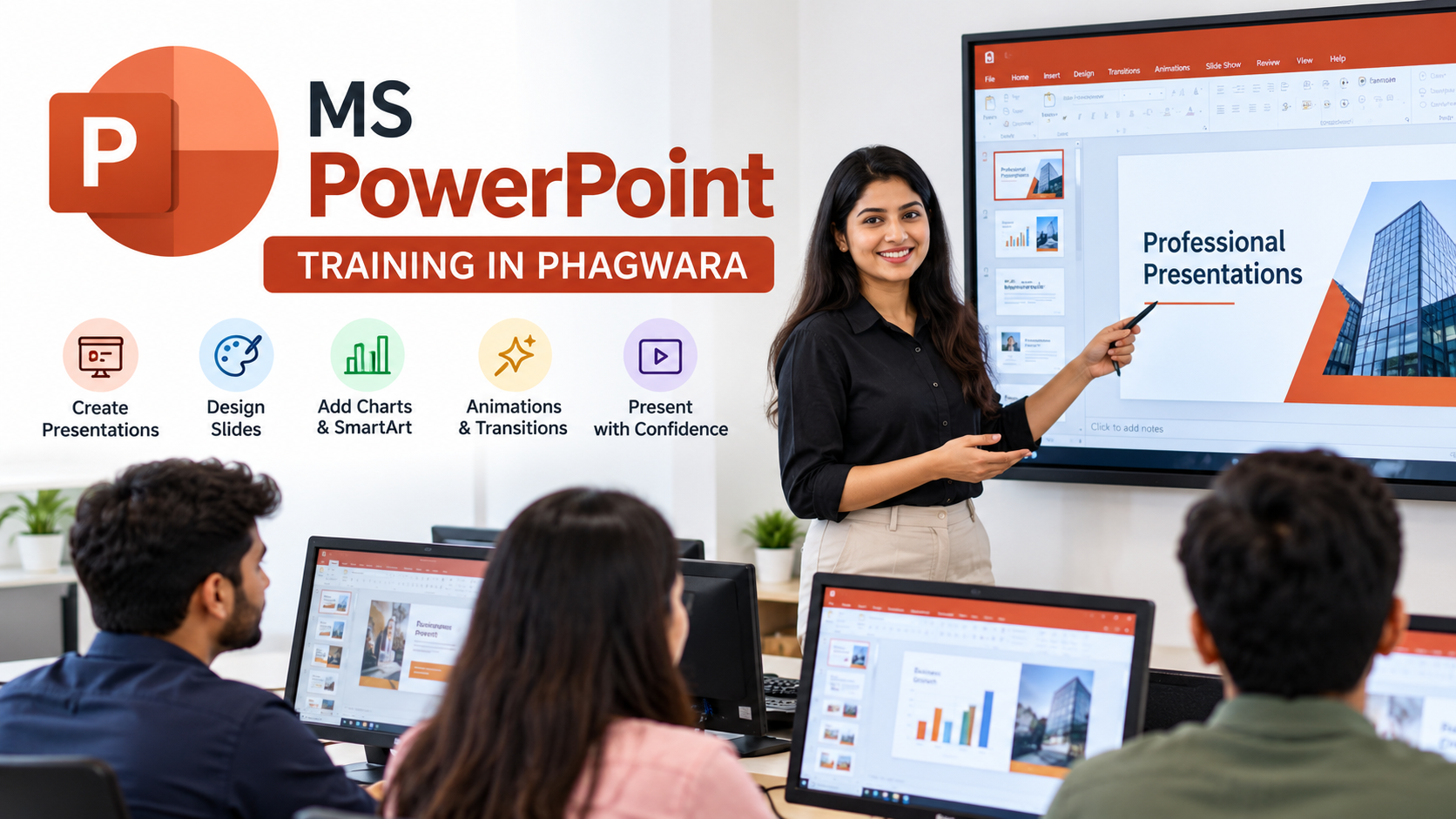
MS PowerPoint Training in Phagwara, Punjab
Looking to learn Microsoft PowerPoint in Phagwara, Punjab? Our MS PowerPoint training programme is designed to help students, beginners, job seekers, and working professionals develop practical presentation skills for academic, business, and workplace use. Through structured lessons and hands-on practice, learners can understand how to create attractive slides, organise information effectively, and communicate ideas with confidence.
Microsoft PowerPoint is an essential presentation tool used in schools, colleges, offices, corporate meetings, seminars, training sessions, and business environments. Learning PowerPoint can help you prepare college projects, classroom presentations, business proposals, company profiles, project reports, sales presentations, and professional slideshows.
What Will You Learn in MS PowerPoint Training?
The training programme can cover the essential and advanced features of Microsoft PowerPoint, including:
PowerPoint Fundamentals: Understand the PowerPoint interface, ribbon, menus, tools, slide navigation, and presentation workflow.
Creating and Editing Slides: Learn how to add, duplicate, rearrange, format, and organise slides for clear communication.
Slide Layouts and Themes: Apply professional themes, colours, fonts, backgrounds, and layouts to create visually consistent presentations.
Text Formatting: Format headings, paragraphs, bullet points, numbered lists, and text boxes for readability.
Images and Graphics: Insert, crop, resize, align, and format images, icons, shapes, and other visual elements.
Tables and Charts: Present data using tables, column charts, bar charts, pie charts, and other suitable visual formats.
SmartArt Graphics: Convert processes, hierarchies, cycles, and relationships into easy-to-understand diagrams.
Animations and Transitions: Apply animations to slide elements and transitions between slides without making presentations distracting.
Slide Master: Create consistent slide designs by managing shared layouts, fonts, colours, logos, and formatting.
Audio and Video: Add multimedia elements when appropriate for educational, training, or business presentations.
Presentation Delivery: Use Presenter View, speaker notes, slideshow controls, and presentation settings to deliver slides confidently.
Saving and Exporting: Save presentations in PPTX format and export them to PDF or other supported formats.
The exact syllabus depends on the training provider and course level.
Practical Projects and Hands-On Learning
Practical exercises help learners apply PowerPoint features to real presentation tasks. Depending on the course, students may practise creating:
A college seminar or academic project presentation.
A professional business profile.
A product or service presentation.
A sales or marketing presentation.
A project progress report with charts and tables.
An educational presentation using images, diagrams, and SmartArt.
A professional presentation with consistent formatting and slide layouts.
These projects help learners develop presentation-design skills and build a collection of files they can use for practice, academic work, or professional demonstrations.
Who Can Join MS PowerPoint Training?
MS PowerPoint training is suitable for a wide range of learners, including:
School and college students: Prepare assignments, seminars, projects, and classroom presentations.
Freshers and job seekers: Develop computer skills useful for office administration, documentation, and presentation-related tasks.
Working professionals: Prepare reports, meeting presentations, training materials, and business proposals.
Teachers and trainers: Create educational slides, lesson presentations, and visual learning materials.
Business owners and entrepreneurs: Present company information, products, services, business plans, and marketing ideas.
Beginners: Learn PowerPoint from the basics without requiring advanced computer knowledge.
Course Duration and Training Options
The duration depends on the learner's existing knowledge and the depth of training required.
A basic course may focus on creating slides, formatting text, inserting images, applying themes, and running a slideshow. An advanced course may include Slide Master, professional slide design, charts, SmartArt, multimedia, and presentation delivery.
For example, techcadd Computer Education in Phagwara advertises a dedicated MS PowerPoint course lasting approximately three weeks. Contact the institute to confirm the current schedule, fees, and syllabus before enrolling.
Benefits of Learning Microsoft PowerPoint
Learning PowerPoint can help you:
Improve your computer and digital productivity skills.
Create clear, professional-looking presentations.
Communicate complex information through charts, diagrams, and visuals.
Prepare academic assignments and project presentations more efficiently.
Support office tasks involving meetings, reports, proposals, and training.
Develop confidence in presenting ideas to an audience.
Complement your knowledge of Microsoft Word and Excel.
PowerPoint is a useful workplace skill, but employment outcomes depend on the role, your broader abilities, and practical experience. A course certificate alone does not guarantee a job.
Where Can You Learn MS PowerPoint in Phagwara?
Phagwara has several computer training institutes where you can enquire about Microsoft PowerPoint or broader MS Office courses.
One option is techcadd Computer Education, located on Grand Trunk Road near the Bus Stand and Sondhi Chowk. The institute advertises a dedicated PowerPoint course and practical training.
Before enrolling, ask about the course fee, class timings, computer access, practical assignments, certificate eligibility, and whether the course focuses exclusively on PowerPoint or includes Word and Excel as well.
Start Your MS PowerPoint Learning Journey
Whether you want to prepare better college presentations, improve your office skills, or learn professional slide design, structured MS PowerPoint training can provide a practical foundation. Choose a programme that matches your experience level, gives you sufficient hands-on computer practice, and allows you to create complete presentations independently.
Enquire about MS PowerPoint training in Phagwara, compare available courses, and choose a learning option that fits your goals, schedule, and budget.
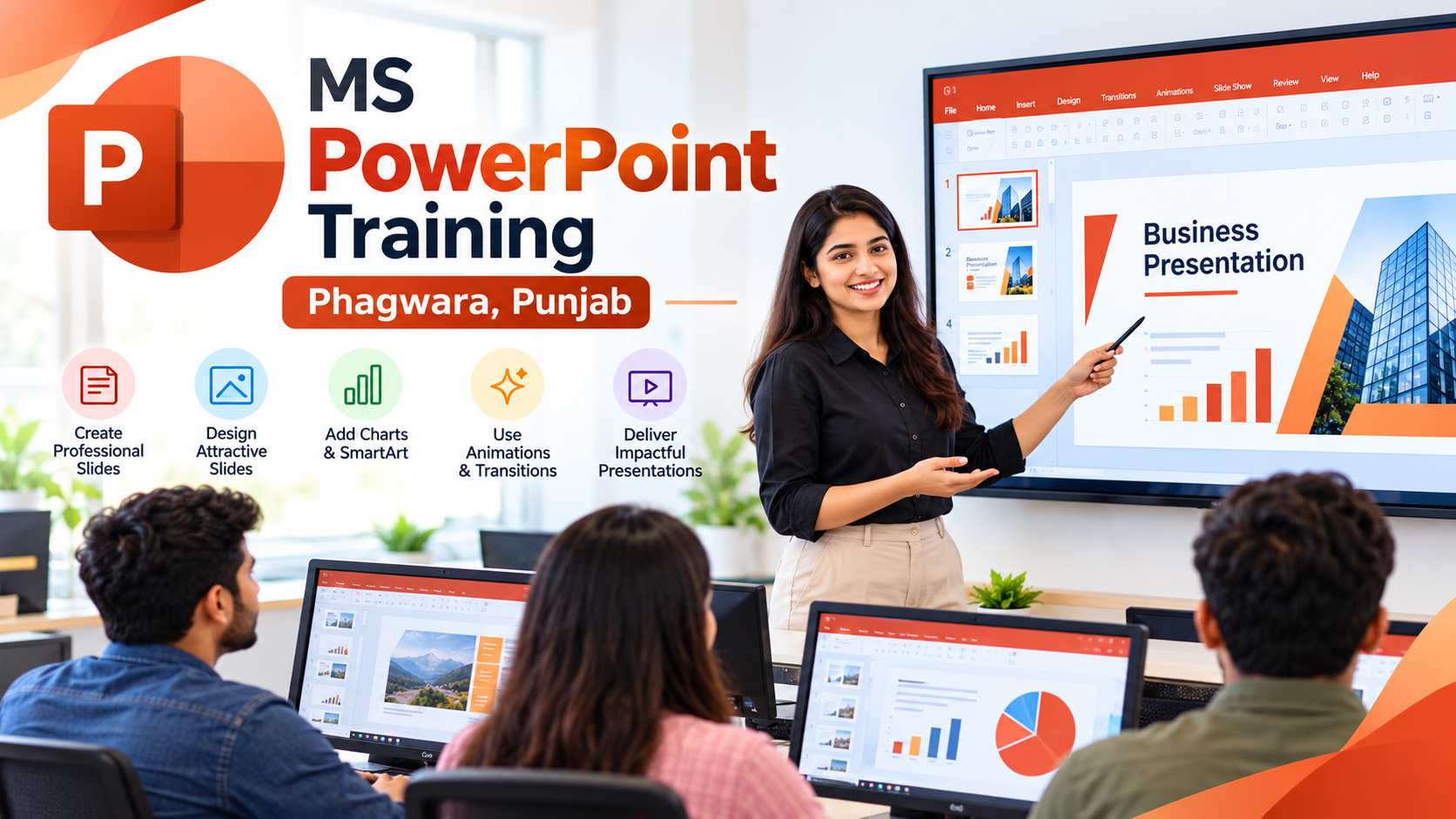
Course Overview – MS PowerPoint Training in Phagwara
MS PowerPoint Training in Phagwara, Punjab
Microsoft PowerPoint is one of the most widely used presentation tools for creating professional slideshows, educational presentations, business proposals, project reports, and training materials. Our MS PowerPoint training guide is designed for students, beginners, job seekers, and working professionals who want to improve their presentation skills and learn how to communicate ideas effectively.
Whether you need to prepare a college assignment, present a business plan, create a company profile, or deliver a professional presentation at work, learning Microsoft PowerPoint can help you organise information, present data visually, and create engaging slides.
What Is Microsoft PowerPoint?
Microsoft PowerPoint is presentation software that allows users to create slides containing text, images, charts, tables, diagrams, animations, audio, and video. It is commonly used in schools, colleges, offices, businesses, seminars, workshops, and corporate meetings.
With the right training and regular practice, you can learn to transform basic information into visually appealing presentations that are easy to understand and professionally organised.
MS PowerPoint Course Syllabus
The course can cover the following topics, depending on the training provider and course level:
1. Introduction to PowerPoint
Understanding the PowerPoint interface and ribbon.
Creating, opening, and saving presentations.
Adding, deleting, duplicating, and rearranging slides.
Understanding slide layouts and presentation views.
2. Slide Design and Formatting
Applying themes, colours, backgrounds, and fonts.
Formatting headings, paragraphs, and bullet points.
Using text boxes, shapes, and alignment tools.
Creating consistent and professional slide layouts.
3. Images, Icons, and Graphics
Inserting and formatting pictures.
Cropping, resizing, and positioning images.
Using shapes, icons, and diagrams.
Combining text and visuals for effective communication.
4. Charts, Tables, and SmartArt
Creating and formatting tables.
Presenting information through charts and graphs.
Using SmartArt for processes, hierarchies, and relationships.
Presenting numerical information clearly.
5. Animations and Slide Transitions
Applying entrance, emphasis, and exit animations.
Adding transitions between slides.
Controlling animation order and timing.
Using effects appropriately without distracting the audience.
6. Advanced PowerPoint Features
Understanding Slide Master and custom layouts.
Creating reusable presentation templates.
Adding headers, footers, and slide numbers.
Inserting audio and video where required.
Using hyperlinks and action buttons.
7. Presentation and Exporting Skills
Running a slideshow and navigating between slides.
Using Presenter View and speaker notes.
Preparing presentations for meetings and seminars.
Saving files in PPTX format and exporting to PDF.
Practical PowerPoint Projects
Practical assignments can help you apply the skills learned during training. Examples include creating a college project presentation, company profile, business proposal, product presentation, sales report, educational slideshow, and project progress report.
These exercises help you practise slide organisation, visual design, formatting, and presenting information clearly. By completing several projects, you can develop a portfolio of presentations that demonstrates your practical skills.
Who Should Join This Course?
MS PowerPoint training is suitable for:
Students: Create assignments, academic projects, seminar slides, and classroom presentations.
Beginners: Learn presentation software from the basics.
Job Seekers: Develop computer skills relevant to office and administrative work.
Working Professionals: Prepare business reports, meeting slides, proposals, and training materials.
Teachers and Trainers: Design educational presentations and visual learning resources.
Business Owners: Present products, services, business plans, and company information.
No advanced computer knowledge is generally required for a beginner-level course, although basic familiarity with computers can be helpful.
Benefits of MS PowerPoint Training
Learning PowerPoint can help you improve your digital skills, create organised presentations, communicate information visually, and prepare professional slides for academic and workplace tasks. It can also complement your knowledge of Microsoft Word and Excel, making it a useful addition to your broader MS Office skill set.
PowerPoint proficiency may be useful in administrative, educational, sales, marketing, and business-support roles. Employment opportunities depend on the requirements of the role and your overall skills and experience.
Course Duration, Fees, and Certification
The duration and cost of MS PowerPoint training vary according to the institute, course level, class schedule, and practical content. Basic training may require only a few sessions, while advanced training may take longer.
Before enrolling, ask the institute about:
Total course fees and any additional charges.
Course duration and available batch timings.
Practical computer sessions and assignments.
Beginner and advanced syllabus options.
Certificate availability and eligibility.
Trainer support and opportunities for hands-on practice.
Confirm the latest details directly with your chosen training provider before making a payment.
Find MS PowerPoint Training in Phagwara
If you are searching for MS PowerPoint training in Phagwara, Punjab, compare local computer institutes based on their syllabus, teaching approach, practical facilities, course fees, and schedule.
techcadd Computer Education, near the Bus Stand at Sondhi Chowk, is one option to contact about dedicated PowerPoint training. Ask whether the current course covers the features you need and whether a demonstration class is available.
Start Learning Microsoft PowerPoint
Developing PowerPoint skills can help you create better presentations for education, business, and professional communication. Choose a course that matches your current experience, practise regularly, and focus on creating complete presentations independently.
Ready to improve your presentation skills? Enquire about MS PowerPoint training in Phagwara and find a course that fits your learning goals, schedule, and budget.