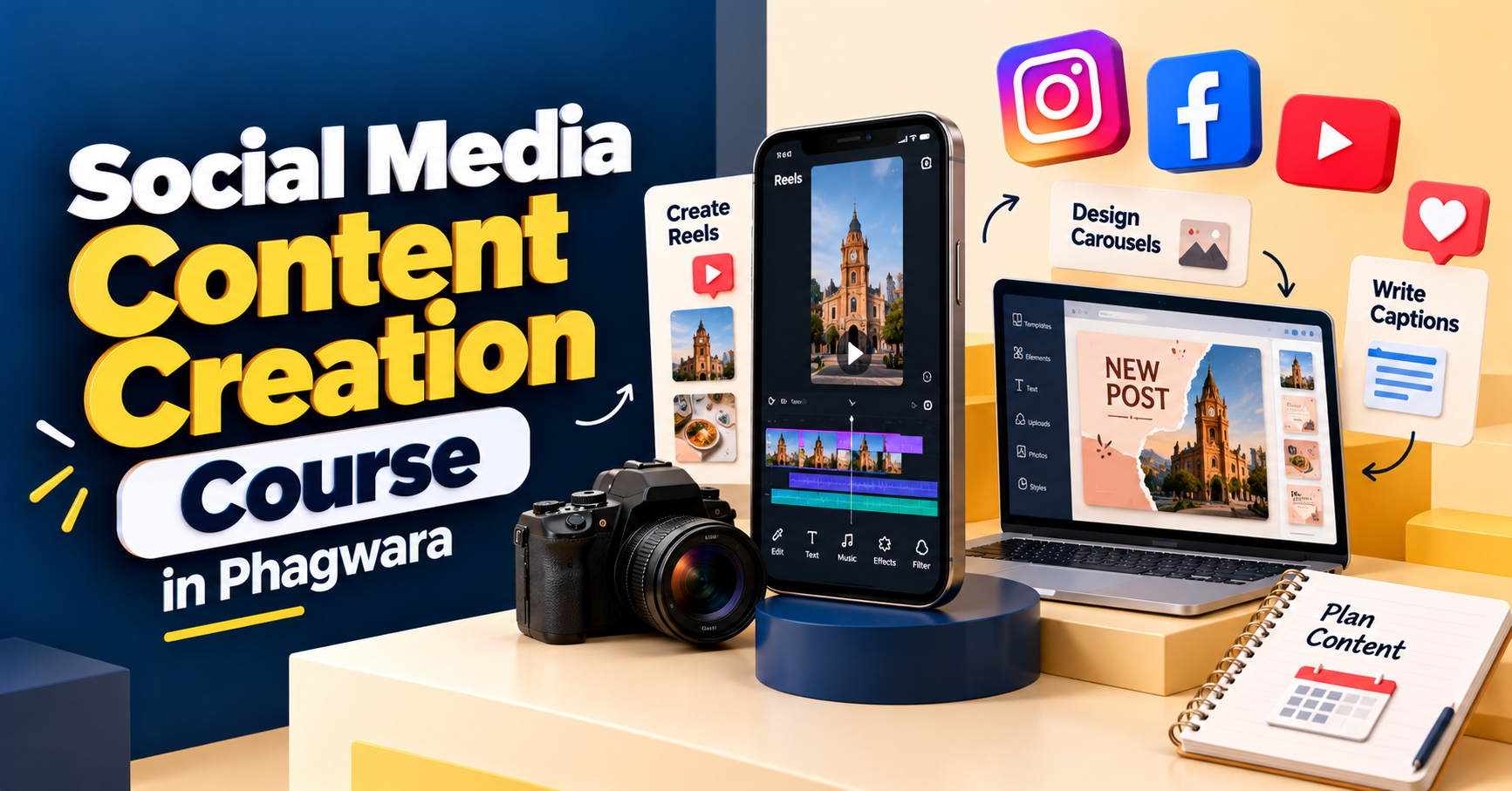
Social Media Content Creation Course in Phagwara
Explore the Social Media Content Creation Course in Phagwara at Techcadd. Learn reels, carousel design, captions, content planning and creative workflows.

Turn Creative Ideas Into Social Media Content
A good social media post does more than fill a space on someone's feed. It can explain an idea, introduce a business, answer a question, tell a story or encourage people to interact with a brand.
Creating this kind of content takes a mix of creativity, audience understanding, planning and communication. You need to know what to post, how to present the idea and which format makes the message easiest to understand.
The Social Media Content Creation Course in Phagwara is worth exploring if you want to develop these skills and learn how social media content is planned and produced. Whether you are a student, aspiring content creator, freelancer or small business owner, content creation can help you understand how brands communicate across digital platforms.
At Techcadd Phagwara, enquire about the current syllabus to learn which content formats, creative tools and practical activities are included in the programme.
Understand What Makes Content Relevant
Before opening a design tool or recording a video, it helps to understand the people you want to reach. Different audiences respond to different topics, styles and ways of communicating.
For example, a college audience may enjoy relatable reels and quick tips, while a business audience may prefer practical explanations, customer stories or informative carousels. The format should support the message instead of being chosen only because it is trending.
Learners can explore audience research, content objectives, topic selection and the relationship between a brand's identity and its communication style. These foundations make it easier to develop content with a clear purpose.
Learn to Plan Content Before You Publish
Posting whenever an idea comes to mind can make a social media page inconsistent. A content plan helps organise ideas in advance and gives each post a reason for being published.
Content planning can include selecting weekly topics, balancing educational and promotional posts, choosing suitable formats and preparing captions ahead of time. A content calendar also makes it easier to organise deadlines and keep track of upcoming campaigns.
Depending on the course syllabus, learners may practise building a sample calendar for a local business, educational institute, personal brand or product-based page. This exercise connects creative ideas with the everyday work involved in managing social media content.
Create Reels and Short-Form Videos
Short-form video is a popular way to communicate ideas quickly. A reel might demonstrate a process, share a useful tip, present a product or show a behind-the-scenes moment.
Creating a good video starts with a clear idea. Learners can explore hooks, short scripts, shot planning, scene order, transitions, text overlays and calls to action. They can also practise keeping videos focused so the main message is easy to follow.
Depending on the available syllabus, training may introduce mobile video editing and other content production tools. Ask which editing applications are covered and whether practical video assignments are included.
Design Carousels and Static Social Media Posts
Not every idea needs to be presented in a video. Static graphics can communicate announcements, offers and short messages, while carousel posts can break a larger topic into manageable steps.
Learners can explore visual hierarchy, typography, colour combinations, spacing, image selection and layout consistency. They can practise designing a first-slide hook, organising information across multiple slides and ending with a relevant call to action.
These skills are useful when preparing educational posts, product highlights, event announcements, course promotions or informative social media series. The goal is to make the content visually clear and easy to understand, not simply to add more design elements.
Write Captions That Sound Natural
A caption gives context to a visual and helps explain why the audience should care. It can introduce a topic, provide extra information, tell a short story or guide the reader towards a next step.
Learners can practise writing opening lines, organising short paragraphs, adapting tone for different audiences and including calls to action. They can also explore how hashtags and relevant keywords fit into social media copy without making it sound repetitive.
For example, a business promoting a workshop might use a caption to explain who the workshop is for, what participants can expect and how to ask for details. Clear communication is more useful than relying on generic phrases for every post.
Develop a Consistent Brand Style
When a business publishes regularly, its content should feel connected even when individual posts have different purposes. Consistency can come from typography, colour choices, image treatment, writing style and the way information is presented.
Learners can explore how to create a simple visual direction for a social media page and apply it across reels covers, carousels, stories and static posts. They can also practise adapting designs to different formats while keeping the brand recognisable.
This does not mean every post must look identical. A consistent brand style provides a foundation while leaving room for fresh concepts and creative experimentation.
Explore Content Tools and Creative Workflows
Content creators often use different tools for designing graphics, editing videos, preparing captions and organising ideas. Understanding a tool's purpose can make the production process easier to manage.
Depending on the programme, learners may explore graphic design platforms, video editing applications, scheduling tools or AI-assisted brainstorming and drafting. They can practise moving from an initial idea to a finished post while reviewing the content for accuracy, clarity and brand suitability.
Tools can speed up parts of the process, but they do not replace the need to understand the audience or review the final content before publishing.
Learn to Adapt Content for Different Platforms
A single idea may need a different presentation depending on where it will appear. A short video, an Instagram carousel, a Facebook post and a LinkedIn update may require different lengths, layouts or communication styles.
Learners can explore how to adapt a message without simply copying the same content everywhere. They can consider platform format, audience expectations, readability and the action they want people to take.
This skill is especially useful for creators who support businesses with multiple social media channels and need to organise content efficiently.
Understand Engagement and Content Performance
Publishing a post is only one part of the process. Reviewing its performance can help creators understand which topics and formats attract attention and encourage meaningful interaction.
Depending on the syllabus, learners may explore reach, impressions, likes, comments, shares, saves, video watch time and profile activity. They can compare the performance of different posts and consider how the opening hook, topic or presentation may have influenced the results.
Metrics should be interpreted in context. A post designed to raise awareness may be judged differently from one intended to generate enquiries, so the objective should guide the evaluation.
Build a Portfolio of Content Projects
Practical assignments help turn creative concepts into examples of completed work. Instead of only learning about social media formats, learners can create sample content that demonstrates their ability to plan, design and communicate an idea.
Possible practice projects include a weekly content calendar, a set of carousel posts, a short-form video, a collection of branded graphics or a campaign concept for a local business. The actual projects will depend on the course syllabus.
A portfolio can help you present your work to potential clients or employers. Include examples you created yourself, explain the purpose of each project and make sure you have permission to use any third-party material.
Who Can Consider a Social Media Content Creation Course?
The Social Media Content Creation Course in Phagwara may suit:
Students interested in creative digital skills
Beginners who want to learn social media content production
Aspiring content creators and influencers
Freelancers interested in providing content services
Small business owners managing their own social media pages
Digital marketing learners who want to strengthen their creative skills
People interested in reels, graphic posts, captions and content planning
You do not necessarily need professional design experience to begin learning basic content creation. However, check the course's entry requirements and the tools used in the current programme.
Explore Content Creation Opportunities
Social media content skills can be applied to different types of work, including content creation, social media assistance, creative coordination and freelance content services. Some people focus on video production, while others prefer graphic posts, captions, content planning or brand communication.
Building a portfolio, understanding platform formats, communicating clearly and meeting project requirements can help you demonstrate your abilities. Completing a course does not guarantee a job or a particular income; opportunities depend on your skills, experience and the needs of employers or clients.
Start Developing Your Content Skills at Techcadd Phagwara
Creative ideas become more useful when you learn how to turn them into clear, well-planned content. By practising video concepts, carousel layouts, captions, brand consistency and content calendars, you can build a foundation for creating social media posts with purpose.
If you are searching for a Social Media Content Creation Course in Phagwara, contact Techcadd to request the current syllabus and details of practical assignments. Ask which design and editing tools are covered, what formats you will practise and whether the course includes portfolio projects.
Choose a learning path that matches your interests and gives you opportunities to practise, review your work and improve your creative process.
Turn Creative Ideas Into Scroll-Stopping Content
Learn to plan social media content, create reels and carousels, write engaging captions, maintain brand consistency and organise content calendars through practical creative exercises.