
SolidWorks Basics in Phagwara
Learn SolidWorks basics in Phagwara at Techcadd. Develop practical skills in 2D sketching, 3D modeling, assemblies, and engineering drawings.
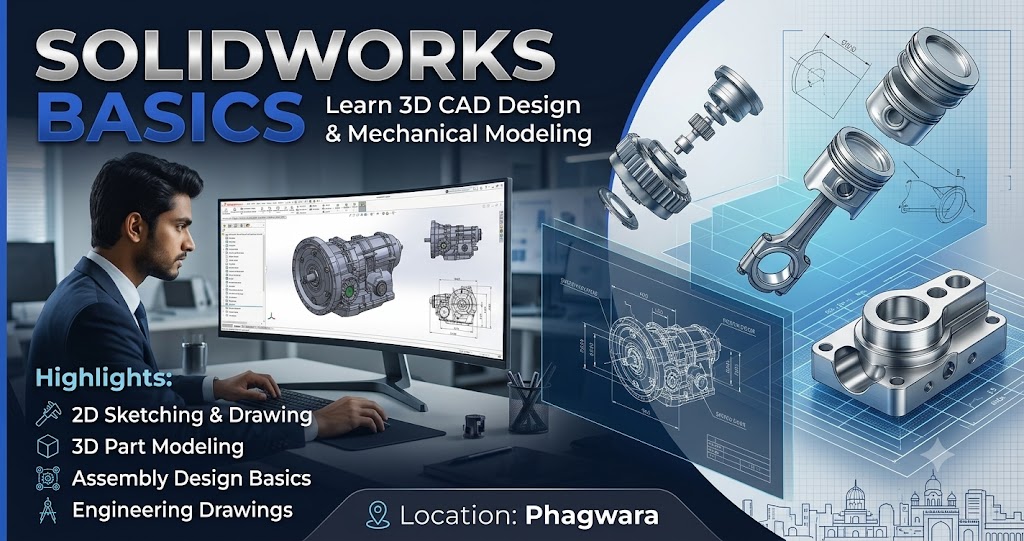
SolidWorks Basics in Phagwara
SolidWorks Basics in Phagwara is designed for students, beginners, engineering professionals, and individuals who want to develop practical skills in 3D CAD design and mechanical modeling. SolidWorks is a computer-aided design (CAD) software widely used in mechanical engineering, product design, manufacturing, and industrial applications. It helps users create accurate 2D sketches, 3D models, assemblies, and technical drawings.
At Techcadd, learners can build a strong foundation in SolidWorks by understanding its interface, essential tools, sketching techniques, and 3D modeling features. The course introduces important design concepts through practical exercises that help students understand how digital models are created and modified.
Learn the Fundamentals of SolidWorks
The course begins with an introduction to the SolidWorks interface, menus, toolbars, design workspace, and basic file management. Students learn how to create new parts, save projects, use different viewing options, and navigate the modeling environment efficiently.
Learners also explore essential sketching tools, including lines, circles, rectangles, arcs, and other geometric shapes. They understand how to apply dimensions and geometric relations to create accurate sketches for 3D modeling.
Develop Practical 3D Modeling Skills
A major part of learning SolidWorks involves converting 2D sketches into three-dimensional objects. Students become familiar with features such as Extruded Boss/Base, Cut-Extrude, Revolve, Fillet, Chamfer, and Hole Wizard. These tools help users create, modify, and refine different mechanical components.
Through practical exercises, learners understand how individual features work together to produce detailed and functional models. This foundation is useful for designing machine components, product parts, tools, and other engineering objects.
Understand Assemblies and Engineering Drawings
SolidWorks also allows users to combine multiple components into an assembly. Beginners can learn the basics of inserting parts, positioning components, and applying mates to understand how different parts fit together.
The course introduces technical drawings and basic dimensioning practices. Students learn how to generate drawing views from 3D models and understand the importance of presenting design information clearly and accurately.
Career Opportunities After Learning SolidWorks
Basic SolidWorks knowledge can support further learning and entry-level opportunities in CAD design, mechanical drafting, product modeling, and engineering design. It can also help engineering students complete academic projects and develop practical design portfolios.
The skills gained through this course can provide a foundation for advanced CAD tools, assembly design, sheet metal modeling, surface modeling, and other specialized design applications.
Why Learn SolidWorks at Techcadd?
Techcadd focuses on helping learners understand technical concepts through practical computer-based learning. Beginners can strengthen their design knowledge, improve their modeling accuracy, and gain confidence in using CAD software.
If you want to begin your journey in mechanical design, SolidWorks Basics in Phagwara can be a useful starting point. Develop your foundational CAD skills, practice creating 3D models, and prepare to explore more advanced engineering design concepts.
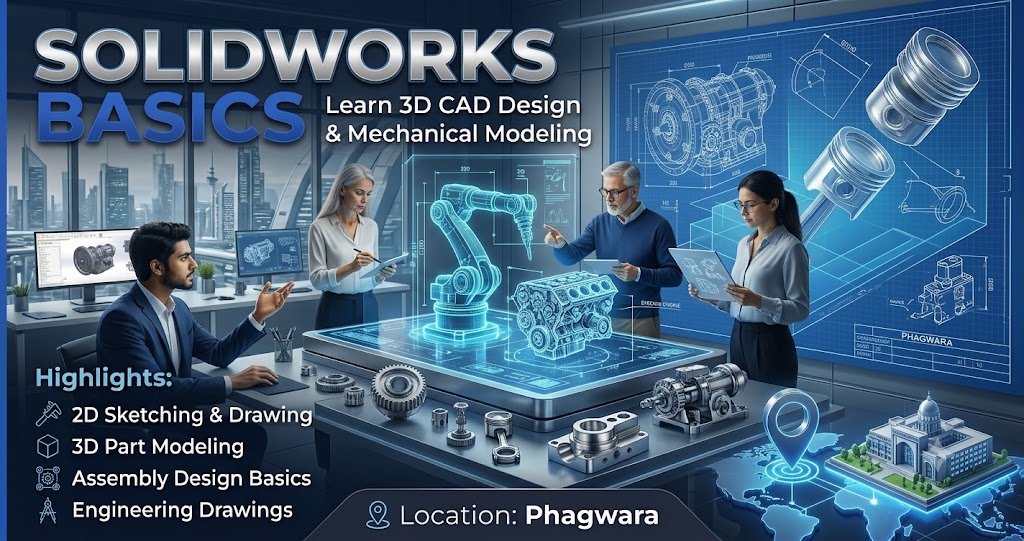
Introduction to SolidWorks
Learn about SolidWorks software, its interface, essential commands, toolbars, and applications in mechanical engineering and product design.
Basic Sketching Tools
Understand how to create 2D sketches using lines, circles, rectangles, arcs, and other geometric shapes. Learn the importance of dimensions and geometric relations.
3D Part Modeling
Explore how to transform 2D sketches into 3D objects using fundamental modeling features such as Extrude, Revolve, and other essential commands.
Essential Editing Features
Learn to modify models using Fillet, Chamfer, Cut-Extrude, and Hole Wizard. Understand how these features help create accurate mechanical components.
Assembly Design Basics
Discover how individual components are combined into assemblies. Learn the fundamentals of positioning parts and applying mates to understand component relationships.
Engineering Drawing Basics
Understand how to create basic technical drawings from 3D models. Learn about drawing views, dimensions, and the presentation of engineering designs.
Design Modification and Accuracy
Practice editing sketches, adjusting dimensions, modifying features, and correcting design errors to improve modeling accuracy.
Practical CAD Projects
Apply basic SolidWorks tools to create simple mechanical parts and product models. Practical exercises help reinforce concepts learned during training.
Applications of SolidWorks
Explore how SolidWorks is used in mechanical engineering, product development, manufacturing, industrial design, and component modeling.
Career Skills and Further Learning
Build a foundation for further study in mechanical CAD design, 3D modeling, assembly design, and advanced engineering software.