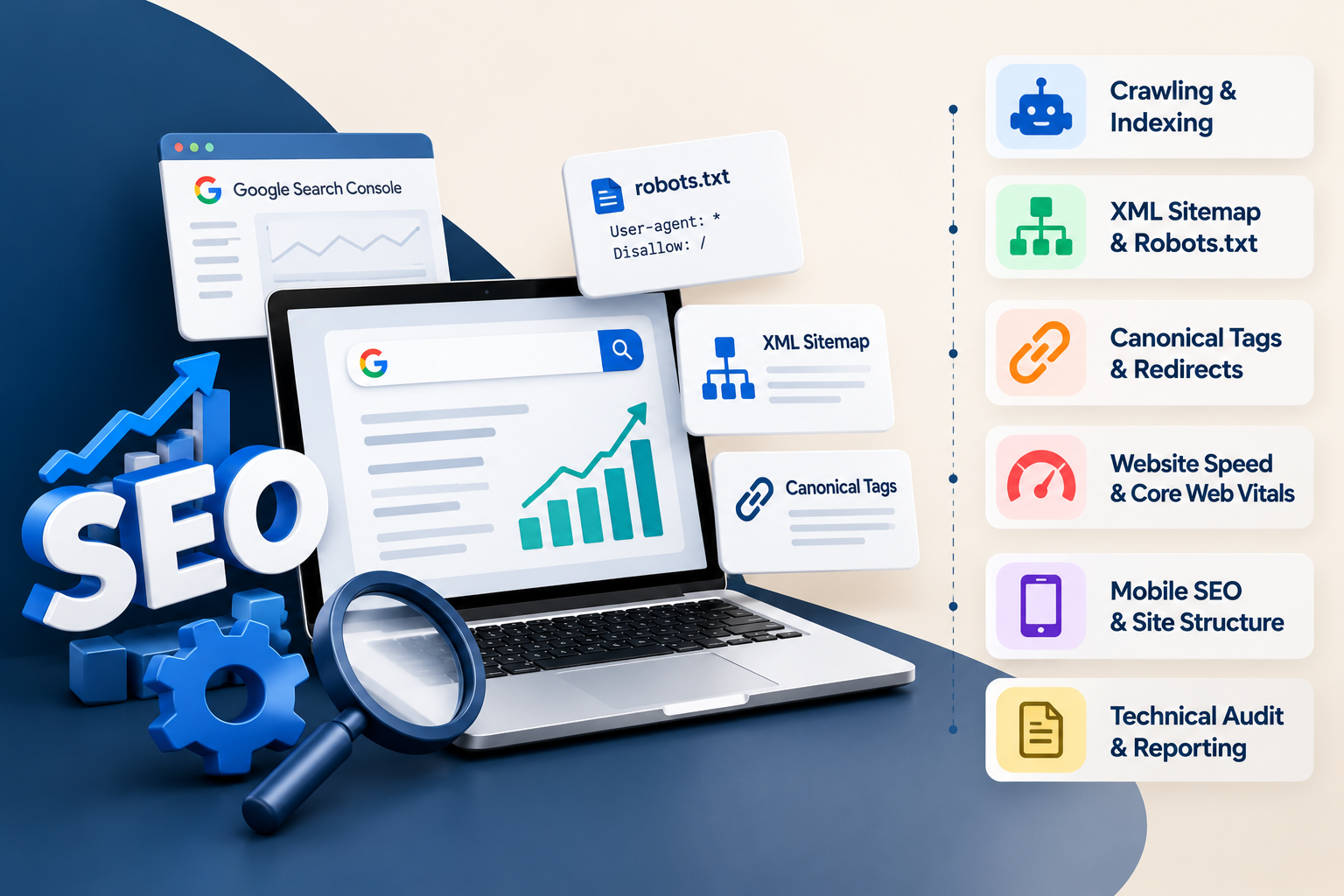
Technical SEO Training in Phagwara
Explore Technical SEO Training in Phagwara at Techcadd. Learn about crawling, indexing, sitemaps, canonical tags, website speed and technical SEO audits.

Technical SEO Training in Phagwara
A website may have useful content and attractive design, but it still needs a strong technical foundation to help search engines discover, crawl, understand, and index its pages. Technical SEO focuses on the behind-the-scenes elements that influence website accessibility, structure, performance, and search visibility.
For students, digital marketing beginners, website administrators, and aspiring SEO professionals, learning technical SEO can help develop a deeper understanding of how websites work. If you are looking for Technical SEO Training in Phagwara, it is useful to understand the core concepts, tools, and practical skills involved before choosing a training programme.
At Techcadd Phagwara, you can enquire about the current SEO training syllabus and ask whether it covers technical SEO concepts, website audits, performance analysis, and practical optimisation exercises.
What Is Technical SEO?
Technical SEO is the process of improving a website's technical setup so search engines can access and interpret its content more effectively. It focuses on areas such as crawling, indexing, site architecture, URL structure, redirects, canonical tags, XML sitemaps, robots.txt, mobile usability, and website performance.
Technical SEO works alongside on-page SEO and content quality. A technically accessible website still needs useful, relevant content to satisfy visitors' search intent. Likewise, strong content may struggle to perform as expected if important pages are blocked from crawling, inaccessible, or incorrectly configured.
Learning technical SEO helps you investigate these issues systematically rather than making changes based on assumptions.
Why Learn Technical SEO in Phagwara?
As more organisations depend on their websites to share information, generate enquiries, and promote services, understanding website optimisation can be valuable for people interested in digital marketing and web development.
Technical SEO knowledge can help you:
Identify common website crawlability and indexing problems.
Understand how search engines discover website pages.
Review website structure and internal links.
Investigate redirects, broken links, and duplicate URL issues.
Understand mobile performance and page experience.
Communicate technical website issues more clearly.
Support broader SEO audits and optimisation activities.
Whether you want to work in digital marketing, manage a business website, or improve your technical knowledge, learning the fundamentals can provide a useful starting point.
Key Topics in Technical SEO Training
1. Website Crawling and Indexing
Crawling is the process through which search engine crawlers discover and access URLs. Indexing involves processing and storing information about pages that may be eligible to appear in search results.
A technical SEO learner should understand the difference between a page being accessible to a crawler and a page being indexed. Indexing is not guaranteed, even when a page can be crawled.
Important concepts include crawlability, indexability, crawl errors, noindex directives, internal linking, and the role of Google Search Console in investigating indexing reports.
2. Robots.txt and XML Sitemaps
The robots.txt file provides crawler instructions about which paths they may access. It should be configured carefully because it is not a reliable way to remove a page from search results.
An XML sitemap helps communicate important URLs to search engines. Learning to review sitemap entries, identify unsuitable URLs, and keep the sitemap consistent with the website's preferred URL structure can support effective SEO management.
A practical exercise could involve inspecting a sample robots.txt file and sitemap, identifying potential configuration issues, and preparing a list of recommended corrections.
3. URL Structure and Website Architecture
Clear website architecture helps users navigate content and helps search engines understand how pages relate to one another. Poorly organised websites can make important pages difficult to discover.
Technical SEO includes reviewing URL patterns, navigation menus, category structures, breadcrumb navigation, internal links, and unnecessary URL variations.
For example, a course website may organise pages by subject and location. A clear structure can help users move from a course category to a specific course page without encountering confusing navigation or unnecessary duplicate URLs.
4. Canonical Tags and Duplicate Content
Similar or duplicate URLs can make it harder to determine which page should be treated as the preferred version. Canonical tags can indicate a preferred URL among duplicate or substantially similar pages.
Learning this topic includes understanding canonical syntax, absolute URLs, self-referencing canonicals, canonical conflicts, and common mistakes such as pointing unrelated pages to one canonical URL.
Canonical tags are signals rather than absolute commands, so search engines may select a different canonical when other evidence suggests another URL is more appropriate.
5. Redirects and Broken Links
Redirects guide users and crawlers from one URL to another. They are often used when pages move, URLs change, or websites are restructured.
Technical SEO learners should understand common HTTP status codes, including 200, 301, 302, 404, and 5xx responses. They should also learn how to identify broken internal links, redirect chains, redirect loops, and outdated links.
A useful practice task is to inspect a sample list of URLs, classify their response codes, and recommend corrections without creating unnecessary redirect chains.
6. Website Speed and Core Web Vitals
Website performance affects usability and can contribute to the overall page experience. Core Web Vitals measure important aspects of loading performance, responsiveness, and visual stability.
The main metrics are:
Largest Contentful Paint (LCP): Measures loading performance.
Interaction to Next Paint (INP): Measures responsiveness to user interactions.
Cumulative Layout Shift (CLS): Measures visual stability.
Learners can explore tools such as PageSpeed Insights and Lighthouse to investigate performance opportunities. Common areas to review include oversized images, unnecessary scripts, render-blocking resources, caching, and layout shifts.
A performance score alone does not guarantee rankings. Technical SEO involves interpreting the evidence, prioritising improvements, and testing the results.
7. Mobile SEO and Responsive Design
A website should remain usable across mobile phones, tablets, and desktop screens. Technical SEO includes reviewing responsive layouts, readable content, navigation, mobile page speed, and whether important information is available to search engines.
Learners should understand mobile-first indexing and why the mobile version of a page needs to contain the important content and metadata that search engines should process.
Testing pages on different screen sizes can reveal layout issues, difficult navigation, oversized elements, and content that is hidden unintentionally.
8. Structured Data and Schema Markup
Structured data provides information about page content in a format that search engines can interpret. Depending on the page, relevant schema types may include Article, BreadcrumbList, Organization, Product, or other supported types.
Technical SEO training can introduce JSON-LD, structured data testing, required properties, and common implementation errors. Learners should understand that valid structured data does not guarantee a rich result or special search appearance.
Schema should accurately describe the visible content on the page. It should never be added merely to make a website appear eligible for features it does not qualify for.
9. HTTPS, Website Security, and Technical Hygiene
HTTPS helps protect information exchanged between a browser and a website. Technical website checks may include verifying secure URLs, identifying mixed-content warnings, checking redirect consistency, and ensuring that internal links use the correct protocol.
Learners should also understand the importance of reliable backups, controlled website access, software updates, and careful plugin management. Security problems may require assistance from a developer or hosting provider rather than an SEO-only fix.
10. Technical SEO Audits and Reporting
A technical SEO audit brings together different checks to identify issues, assess their impact, and recommend practical next steps.
An audit may cover crawlability, indexability, status codes, canonical tags, redirects, sitemap quality, robots.txt, mobile usability, performance, internal linking, and structured data.
A useful report should explain the issue, provide evidence, identify affected URLs, suggest a correction, and prioritise the work. Not every technical warning has the same impact, so recommendations should be based on the actual problem rather than a checklist alone.
Tools Used for Technical SEO
Technical SEO professionals use a combination of search-engine tools, browser features, auditing software, and website analytics tools. Depending on the syllabus and available access, useful tools to learn about include:
Google Search Console: Review search performance, indexing reports, and URL inspection information.
PageSpeed Insights: Investigate performance data and Core Web Vitals.
Lighthouse: Assess performance, accessibility, and other page-quality indicators.
Screaming Frog SEO Spider: Crawl websites and review URLs, status codes, metadata, and internal links.
Rich Results Test: Check eligibility-related structured data for supported rich results.
Schema Markup Validator: Validate structured data syntax and vocabulary.
Browser developer tools: Inspect page resources, network requests, and layout behaviour.
Some tools have usage limits, paid features, or different data sources. Confirm which tools are included in the training and whether learners will practise using live websites, sample sites, or demonstration data.
Who Can Learn Technical SEO?
Technical SEO may be useful for several types of learners:
Digital marketing students: Develop a deeper understanding of the technical side of search engine optimisation.
SEO beginners: Move beyond basic keyword placement and learn how website structure and accessibility affect SEO work.
Website administrators: Learn to identify technical issues before escalating them to a developer.
Web design and development learners: Understand how website implementation choices can affect search visibility and usability.
Business owners: Gain a better understanding of website audits and the technical questions to discuss with SEO specialists.
Prior coding experience may not be necessary for learning the basic concepts, but HTML, CSS, website administration, and analytical thinking can be helpful as you progress. Advanced technical tasks may require additional programming or server-side knowledge.
Career Opportunities After Technical SEO Training
Technical SEO skills may support roles such as SEO Executive, Technical SEO Analyst Trainee, SEO Audit Assistant, Website Optimisation Assistant, Digital Marketing Executive, or SEO-focused Website Administrator.
The responsibilities and entry requirements differ between employers. Some positions focus on audits and reporting, while others require JavaScript rendering knowledge, log-file analysis, advanced crawling, or close collaboration with developers.
A course can help you build foundational knowledge, but career opportunities also depend on practical experience, problem-solving ability, communication, portfolio quality, and the skills required for each role.
How to Practise Technical SEO
Practical exercises can help you connect theory with real website issues. Consider the following learning activities:
Review a sample website's robots.txt file and XML sitemap.
Inspect important URLs to understand indexing status and canonical tags.
Crawl a permitted test website and identify broken links or redirect chains.
Use PageSpeed Insights to review a page and list potential performance improvements.
Validate appropriate structured data on a sample page.
Prepare a technical audit report with evidence, priority levels, and recommended fixes.
Recheck the website after changes to determine whether the intended issue has been resolved.
Always obtain permission before crawling or testing a website you do not own. Avoid changing production settings without suitable access, backups, and approval.
What to Check Before Joining Technical SEO Training at Techcadd Phagwara
Before enrolling, ask for the current course syllabus and confirm how deeply it covers technical SEO. You may want to ask whether the training includes crawling and indexing, robots.txt, XML sitemaps, canonical tags, redirects, Core Web Vitals, structured data, and technical audits.
Also ask about the course duration, fees, batch timings, practical assignments, tool access, assessment method, and certificate requirements. If you are aiming for a technical SEO role, find out whether the course includes hands-on auditing and whether programming or website administration is part of the curriculum.
Choose training that matches your current level and career goal. Do not assume every advanced topic is included unless it is confirmed in the current syllabus.
Start Learning Technical SEO in Phagwara
Technical SEO helps you understand the systems and website elements that support effective search optimisation. From crawling and indexing to page performance, redirects, structured data, and technical audits, these skills can help you identify issues and communicate useful recommendations.
If you are interested in Technical SEO Training in Phagwara, contact Techcadd to ask about available training, the current syllabus, practical exercises, and enrolment details. Build your understanding step by step and continue practising with real examples, reliable tools, and carefully documented improvements.
Understand the Technical Side of Search Engine Optimisation
Explore website crawling, indexing, XML sitemaps, canonical tags, Core Web Vitals and technical audits with Technical SEO Training in Phagwara at Techcadd.