
Windows Operating System Training in Phagwara
Learn Windows operating system, file management, software installation, system settings, computer security with practical training at Techcadd in Phagwara.
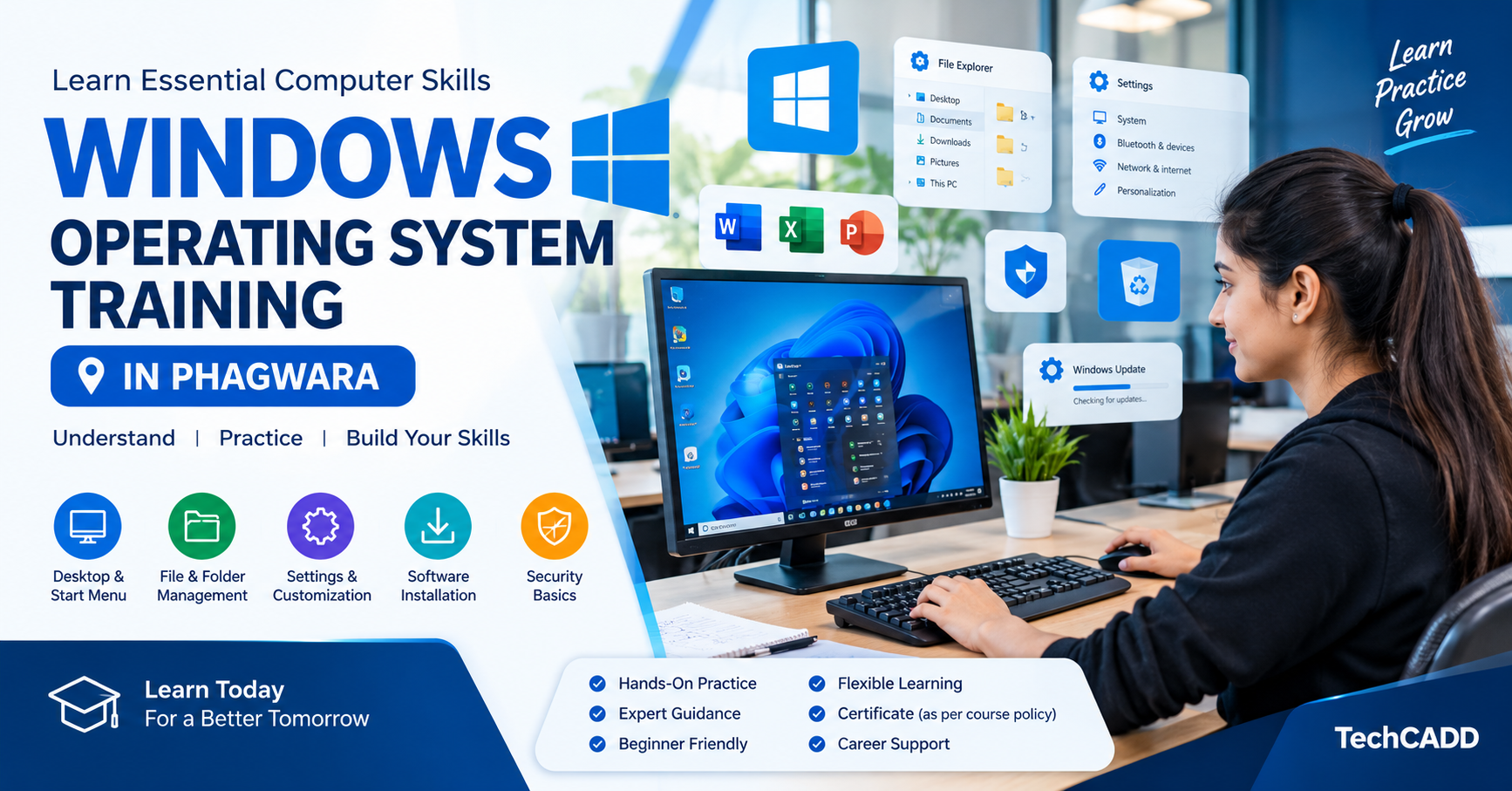
Windows Operating System Training in Phagwara
Understand Windows Operating System Fundamentals
Learn what an operating system does and how Windows manages computer hardware, software, applications, and user activities. Understand the purpose of the desktop, Start menu, taskbar, and system interface.
Learn File and Folder Management
Develop practical skills in creating, renaming, copying, moving, searching, and deleting files and folders. Learn how to organize documents and maintain an efficient file structure.
Explore Windows Settings and Customization
Understand how to personalize desktop backgrounds, manage display settings, configure sound, adjust system preferences, and work with basic Windows settings.
Install and Manage Applications
Learn the basics of installing, updating, opening, and uninstalling applications. Understand how to manage programs and use built-in Windows tools for everyday tasks.
Develop Basic Troubleshooting Skills
Learn how to identify common computer problems, manage running applications, check available storage, restart systems correctly, and use basic troubleshooting utilities.
Understand Computer Security
Explore essential security practices, including Windows updates, account protection, screen locks, firewall awareness, and safe software installation habits.
Build Confidence Through Practical Learning
Practice everyday computer operations with guided exercises. These activities help learners improve their accuracy, confidence, and ability to use Windows in educational and office environments.
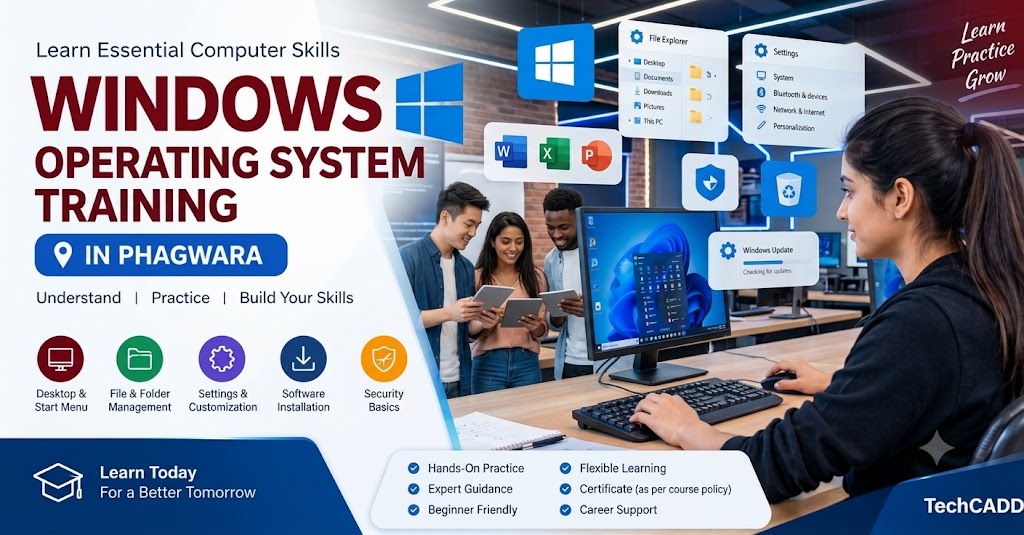
Windows Operating System Basics
Understand the role of an operating system and explore the main features of the Windows interface.
Desktop and Start Menu Navigation
Learn to use the desktop, Start menu, taskbar, search tools, and application shortcuts.
File and Folder Management
Practice creating, organizing, copying, moving, renaming, and deleting files and folders.
Windows Settings and Personalization
Explore display options, desktop customization, sound settings, and basic system preferences.
Software Installation and Management
Learn how to install, update, manage, and uninstall applications safely.
User Accounts and Permissions
Understand local user accounts, sign-in options, passwords, and basic account permissions.
System Maintenance and Updates
Learn about Windows updates, storage management, temporary files, and routine system maintenance.
Basic Troubleshooting
Understand common computer issues and practice using basic diagnostic and troubleshooting tools.
Windows Security Essentials
Explore firewall settings, security updates, account protection, and safe computer usage practices.
Practical Windows Training at Techcadd
Strengthen your computer knowledge through guided practice and build a foundation for advanced computer courses.