

Business Landing Page
Build a high-converting landing page in Elementor, learning UI design and how a call-to-action earns its place.
- Elementor
- WordPress
Build professional websites without deep coding — themes, Elementor, plugins, WooCommerce, SEO and security, with live projects and placement assistance.
25,000+
Students trained
since 2007
4.9★
Google rating
556+ reviews
100%
Practical training
live client work
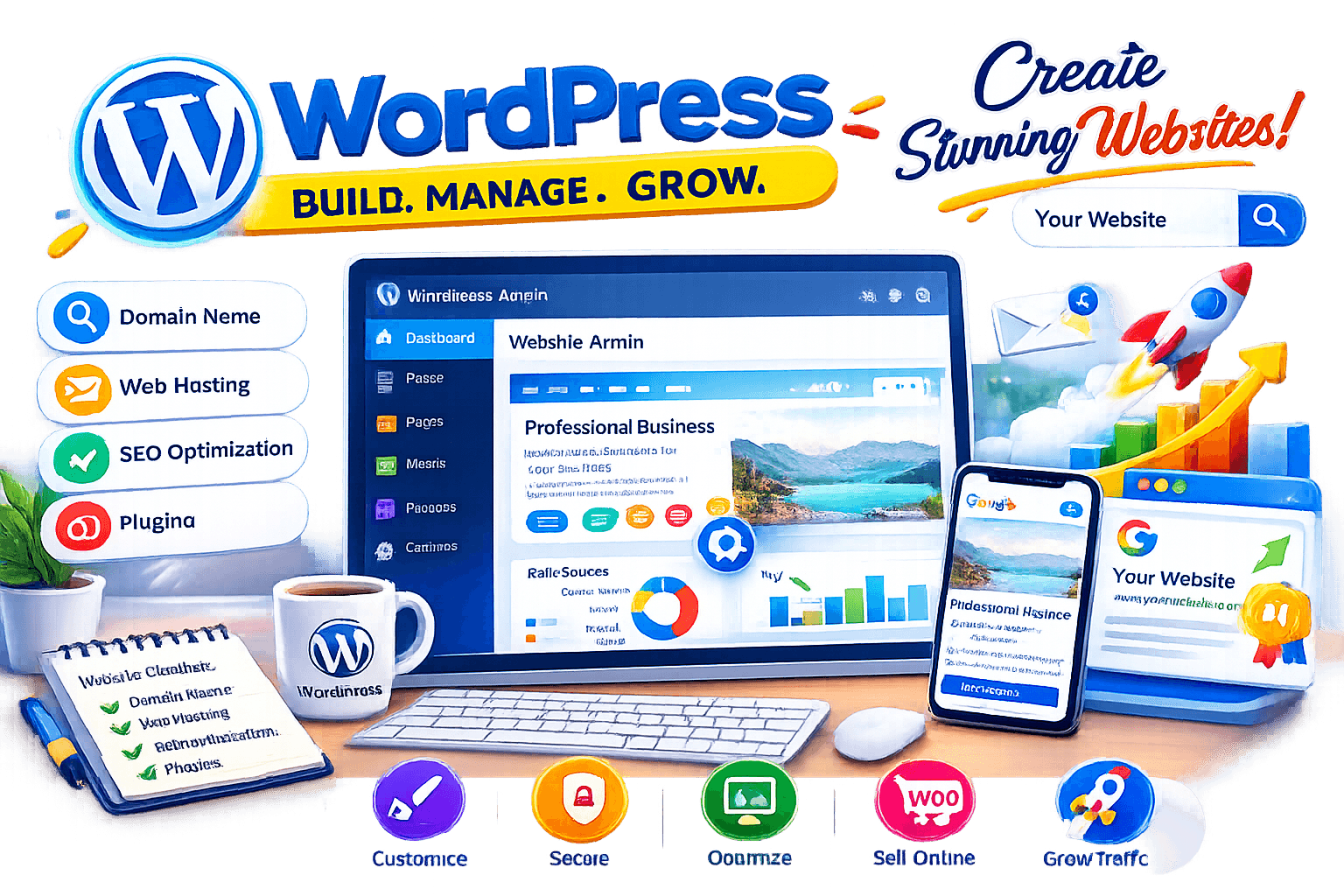
Techcadd’s WordPress Development Course in Phagwara is an industry-oriented course that teaches students, graduates, job seekers and beginners to build professional websites without deep coding. It covers domain and hosting setup, theme customisation, page builders, plugin configuration, SEO basics and WooCommerce. The training is based on practical knowledge rather than theory: you learn through website-building exercises, assignments and client-style projects, so you see how WordPress is actually used in freelancing, business branding and development work. The approach is beginner-friendly throughout, developing UI sense, design logic and technical confidence together — by the end you can design, build, secure and manage a professional WordPress site.
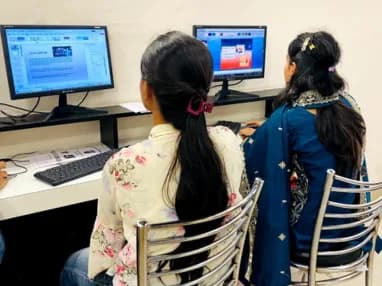
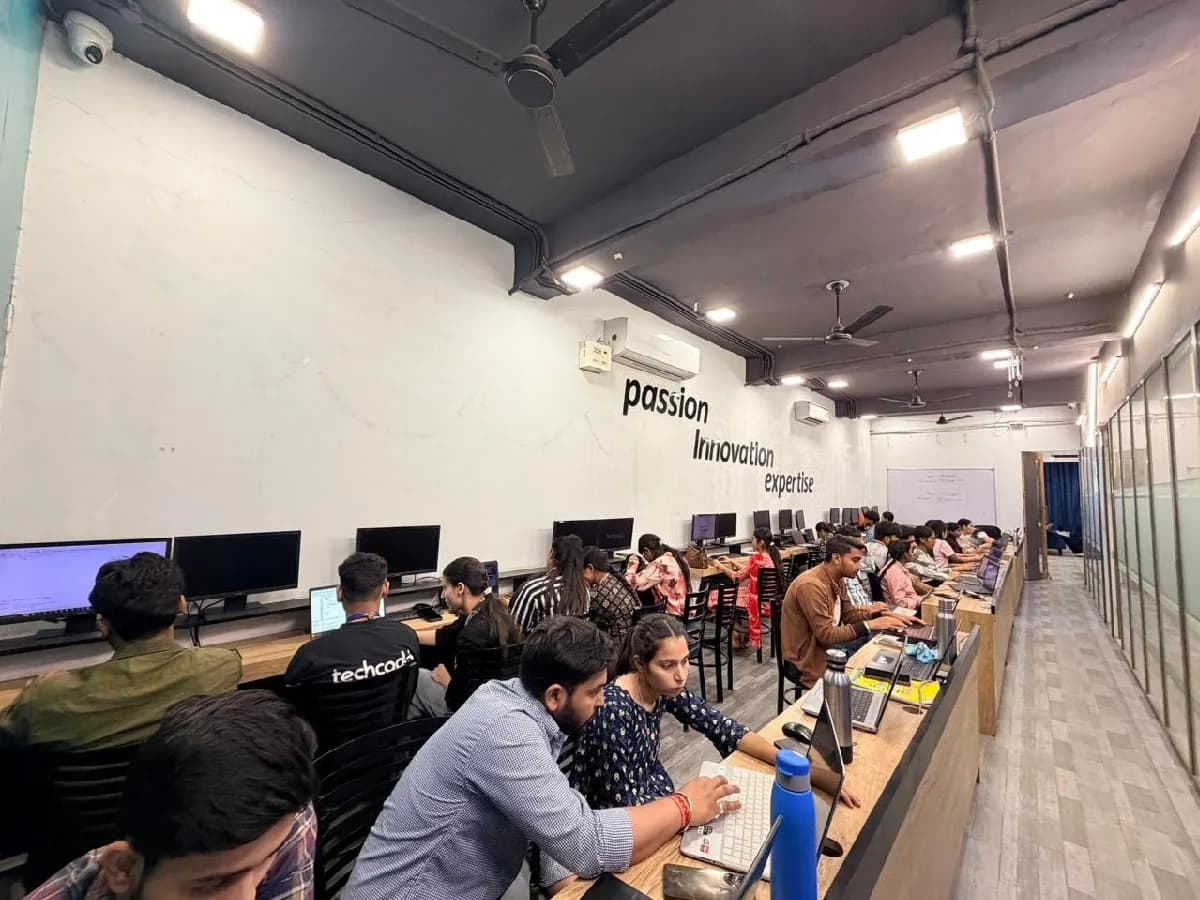
The WordPress course is built for people at six different starting points, and the batch is deliberately mixed. What matters far more than your background is turning up consistently and finishing what each module asks you to build.
Interested in technology or starting a side hustle? WordPress is the easiest way in — its interface makes web development basics approachable, and themes, plugins, SEO and site management are a useful skill to carry alongside your studies.
Colleges teach theory; the industry wants real sites. Whatever your major — computer science, engineering, commerce or management — building live websites and understanding hosting, SEO and e-commerce strengthens both your projects and your CV.
Knowing how to install a theme is not enough. Employers want problem-solvers. Design logic, customisation skill and a portfolio of live sites are worth more than any certificate when applying for web developer roles here.
In marketing, operations, sales or IT? WordPress lets you manage your company’s site, update content and fix things without waiting for a developer. It becomes a high-value addition rather than a career change.
You should not need a developer for every small change. Understanding WordPress means control over your landing pages, blog and store — and far lower maintenance costs.
For freelancing, WordPress is gold. Theme customisation, speed optimisation and client handling let you deliver real sites to local and international clients, and build a steady income stream.
WordPress runs over 40% of the web, and in Phagwara that means a steady stream of small businesses who need a site built and then maintained — which is repeat work, not one-off. That gap is the whole argument for this course: there is local demand, there are budgets, and there are very few trained people to hand the work to.
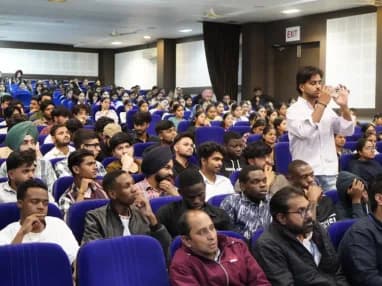
Build skills that hold up beyond the classroom.
What separates this from a playlist of tutorials is supervision on real work. From the second half of the course you build on live client projects with a trainer beside you, make decisions that have consequences, and correct them the following week. That loop is the skill. No employer in Phagwara will take your word for it without work they can inspect.
Be realistic about the money. A fresher who finishes with a working portfolio starts near the bottom of the band and moves quickly; someone who finishes with a certificate and nothing to show does not. The difference is entirely what you built.
The alternative is what most people try first: free videos, a cheap online course, six months of drifting, and knowledge you cannot demonstrate. A structured programme with live projects, a mentor who corrects you, an internship letter and a placement cell that actually calls employers is the difference between knowing the subject and being hired to do it.
Students reach the Phagwara centre from Banga, Nakodar, Kartarpur and the university belt, and the weekend batch exists so a job or a degree does not have to be paused to attend.
Startups, agencies and businesses all need websites. Theme customisation, plugin setup and SEO optimisation give you a versatile qualification — and practical learning shows you where the actual money in the digital market is.
Not just installing themes. Domain and hosting management, CMS fundamentals and database structure, child themes, page builders, plugin configuration, SEO, security hardening and backups, WooCommerce and payment gateways, and client delivery.
Watching tutorials is useful; building a site from scratch is what makes it stick. Hands-on assignments cover UI design, debugging real errors and speed optimisation.
Depending on your interest, WordPress leads to freelance web developer, UI designer, web content manager, e-commerce manager or technical support.
The syllabus is arranged so every module produces an asset rather than a set of notes. You will cover wordpress fundamentals & setup, website design & page builders, theme customisation & child themes, plugin mastery & functionality, and finish with a live project built on WordPress, cPanel, Elementor. Modules run in the order a real project runs: foundations first, then the core skills, then applied work under supervision, then the portfolio and interview preparation that turn all of it into an offer letter.
The working knowledge the job description actually lists.
Theme Customisation & Child Themes
Find out how professional sites are structured, and how to change one safely.
3 weeks · 12 sessions
Plugin Mastery & Functionality
Find out how to add almost any feature to a site — and how to judge which plugin to trust.
3 weeks · 12 sessions
SEO & Speed Optimisation
Find out how a site actually ranks, and why a slow one never will.
3 weeks · 12 sessions
Topics covered
The WordPress course runs as three nested levels. Each one builds on the last, so you can start at the foundation and continue later without repeating anything.
Gain the fundamental skills to build a simple, working website you can put online.
Skills & tools
Recommended for
Website Owner, beginner freelancer and college student.
Go further with WooCommerce, advanced theme editing and speed optimisation — the level clients pay for.
Skills & tools
Recommended for
WordPress Developer, E-commerce Manager and professional freelancer.
Combine WordPress with advanced SEO, AI tools and the workflows an agency actually runs on.
Skills & tools
Recommended for
Full-Stack Web Developer, digital agency owner and senior developer.
WordPress installation & hosting
Theme & plugin setup
Elementor page building
Blogging & basic SEO
E-commerce (WooCommerce)
Payment gateways & shipping
PHP & child theme editing
Speed optimisation (caching / CDN)
Advanced API integration
AI content & automation
Advanced custom post types
The programme is nested, not parallel. Choose 3 months to build a blog or a simple business site; 6 months if you want to sell online or start professional freelancing; 9 months to become a full-stack WordPress developer or run a web agency. Each level builds on the last, so moving to a longer duration never means starting from zero.
The toolchain behind the craft
Everything below is installed on the lab machines and used on live client work, not shown once in a slide and forgotten.
Complete the course with a portfolio of live projects and receive an industry-recognised certificate, plus a documented internship letter accepted by Punjab universities.
Recognised by employers across Punjab and beyond
Based on real client work, not a simulation
Live work you can show in any interview
CV review, mock interviews and hiring drives
Two certificates on completion — the course certificate and a separate capstone project certificate.
The roles this opens, what they pay in Punjab and beyond, and who is hiring for them — drawn from published job-market listings on one comparable scale, not a brochure number.
Salary outlook
Builds and maintains the websites businesses run on. Earnings depend on your portfolio, speed and how well you handle clients.
Punjab — WordPress / Web Developer
Delhi / NCR — Web Development
Remote / Freelance WordPress
Indicative ranges for WordPress Developer roles, compiled from public job-market listings and drawn on the same scale in every market. Actual offers vary by employer, skillset and interview performance — Punjab pay typically reaches 2× the fresher ceiling within two years of delivery experience.
Talk about your target roleWordPress Developer, Web Designer, E-commerce Manager, SEO Specialist and Freelance Web Developer. A portfolio of live sites matters far more here than any certificate.
A fresher starts around ₹15,000 – ₹25,000 a month in the Punjab market, rising to ₹25,000 – ₹40,000 with two years of work. Salaried WordPress work pays modestly — the money in this skill is in freelancing.
Yes, and this is where WordPress genuinely pays. The starting range is the lowest in the catalogue — around ₹5,000 – ₹20,000 a month while you take small local jobs — but it rises past ₹1,00,000 with repeat clients, which is more than either salaried market offers. Expect a slow first year.
Digital marketing agencies needing landing pages, IT startups building product sites, e-commerce companies running stores, and local businesses needing maintenance — plus Upwork, Fiverr and direct remote clients.
No, and that is the point of WordPress. You will build complete sites in Elementor without writing code. CSS and PHP basics come later, for the customisations page builders cannot reach — by which time you will already have live sites to show.
Build a high-converting landing page in Elementor, learning UI design and how a call-to-action earns its place.
Create a blog built to be monetised — content strategy, SEO and internal linking that actually holds together.
Build a real online store with products, cart and a working payment gateway integration.
Use ChatGPT to generate content and design a news or review site around it, keeping the result genuinely readable.
Build your own portfolio — the site that will do most of the work of getting you hired or booked.
Take a slow site and get it loading under three seconds, then secure it properly against the usual attacks.
Manage custom post types and advanced search filters for a niche that needs more than a standard theme.
Simulate a client brief: take the requirements, build the site, and deliver it the way you would for real.
The working loop
Every project moves through the same loop: understand the brief, build with guidance, then explain the decisions behind your work.
Break a real requirement into a clear plan and the right tools.
Business Landing Page
Work hands-on with trainer feedback while the decisions are still easy to change.
Advanced Blog Setup
Turn the finished work into a portfolio story you can defend in an interview.
E-commerce Store
There are many places to learn this in Phagwara and the brochure syllabus looks similar at all of them. What differs is who teaches, whether you ever touch real work, and whether anyone picks up the phone after you have paid. techcadd has trained students across Punjab since 2007 on the same model: small batches, working practitioners as trainers, client projects as coursework.
Web design is easier when someone simplifies the genuinely confusing parts — hosting, DNS and why a site broke — rather than reading the manual at you.
Projects make theory meaningful. You build real websites on real hosting, not dummy pages on localhost.
Design and coding get much easier when you can clear a doubt in real time rather than carrying it home.
You finish with a portfolio of full website builds — the thing that actually gets freshers hired in this field.
Guidance on freelancing, resume building and mock interviews, aimed at the two routes this skill actually leads to.
What made it click for me was the lab time. You can sit after class and someone will still explain it until you get it.
I travelled in for the weekend batch and it was worth every trip. Small batch, real work, no time wasted on theory nobody uses.
The course got me interview-ready faster than I expected. My interviewer asked to see my project and that was the whole conversation.
I was switching careers and worried I would be behind. Half the batch was doing the same thing, and nobody made it awkward.
I joined with almost no background and finished with a project I could actually show. The trainer never rushed the basics.
techcadd’s placement cell kept calling me for drives until I was placed. That persistence mattered more than anything else.
Choosing a WordPress course should be about more than a certificate. If the goal is a career, the things worth comparing are the coding practice, the projects, the trainer support and the skills you can actually apply.
Curriculum
techcadd
Industry-focused, covering hosting, Elementor, WooCommerce and SEO
Commonly offered
Often focuses only on basic dashboard usage
Learning style
techcadd
Practical, project-based learning
Commonly offered
Can be more theory-oriented
Practical projects
techcadd
Students work on live hosting environments and client-style tasks
Commonly offered
Practical exposure may be limited to localhost
Design skills
techcadd
Focus on UI, responsive design and branding
Commonly offered
May cover themes without design principles
E-commerce
techcadd
A deep dive into WooCommerce and payments
Commonly offered
E-commerce training is often skipped
SEO
techcadd
Yoast/RankMath, Search Console and Google Analytics
Commonly offered
SEO might be an afterthought
Portfolio building
techcadd
Students leave with three or more live websites
Commonly offered
Portfolio development may not be a focus
Career support
techcadd
Freelancing guidance, CV preparation and interview support
Commonly offered
Career assistance varies between institutes
Doubt support
techcadd
Hands-on troubleshooting of the errors that actually break a site
Commonly offered
Support may be limited to classroom slides
The right-hand column represents general market patterns, not a claim about any specific institute. Before choosing a WordPress institute in Phagwara, ask how many live websites you will build, whether you will manage hosting yourself, and what career support is provided.
It is designed to help beginners and aspiring developers learn website creation through practical training. Students learn hosting, themes, plugins, WooCommerce and SEO with hands-on practice.
One call with a counsellor is usually enough to find out. Book a free demo class and see the lab before you decide.
Send your question and a counsellor will call you back about batch timings, fees, EMI options, placement record, or whether this course fits your degree.